Brochure
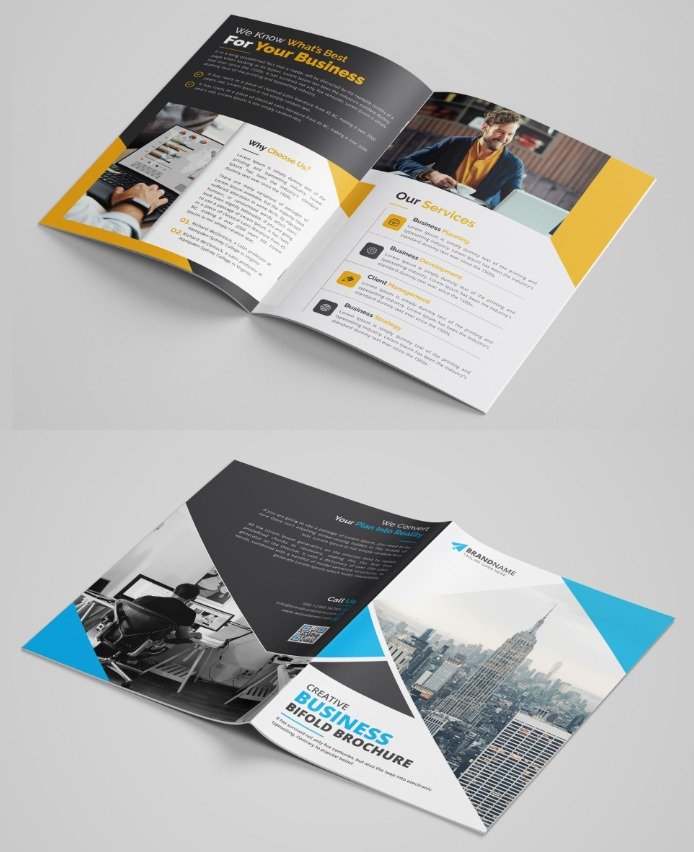
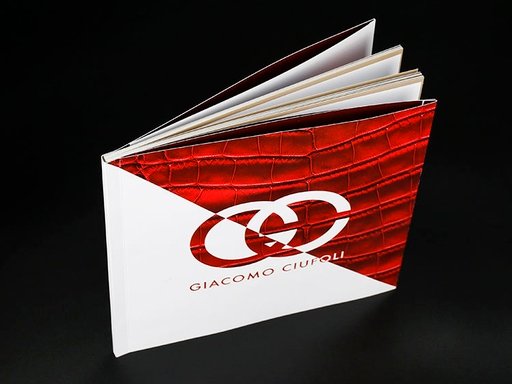
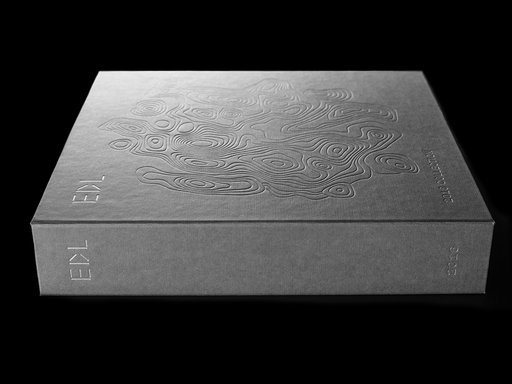
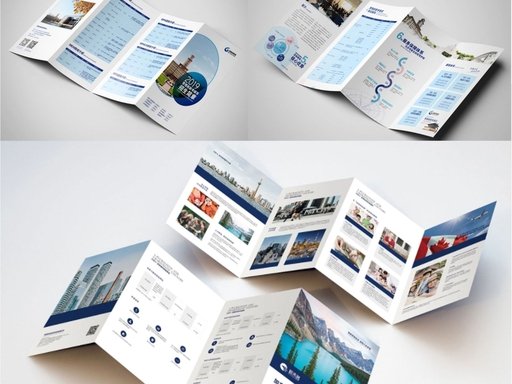
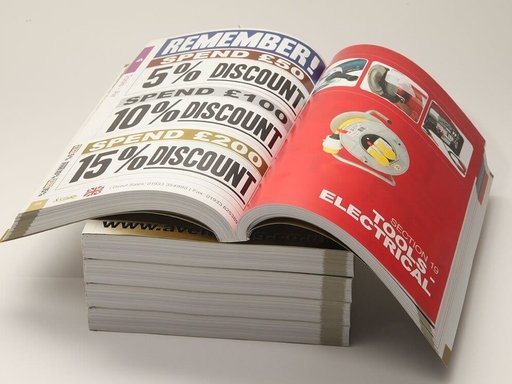
- Premium multi-page printing services offering structured, informative, fully customizable brochures for brand storytelling and product promotion.
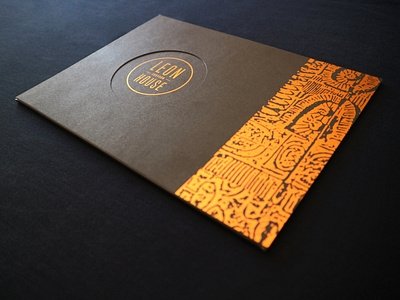
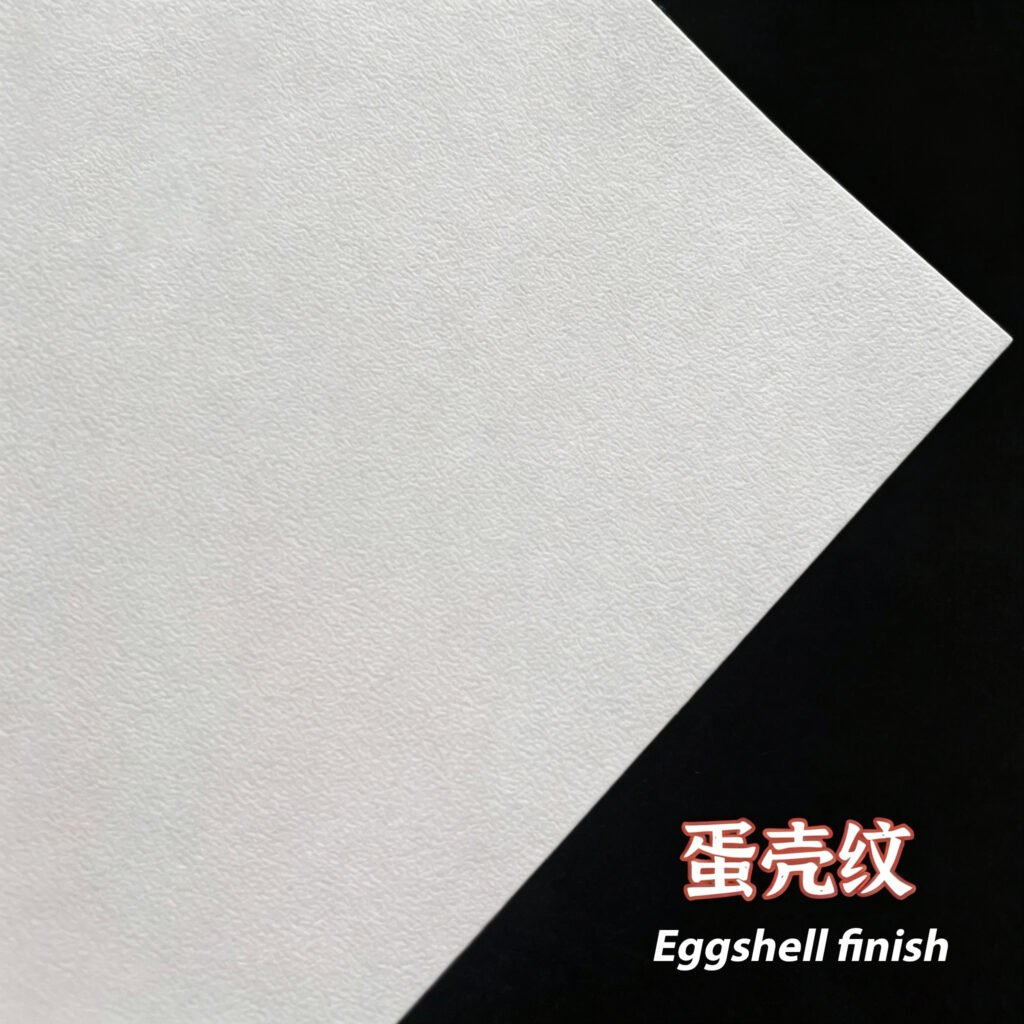
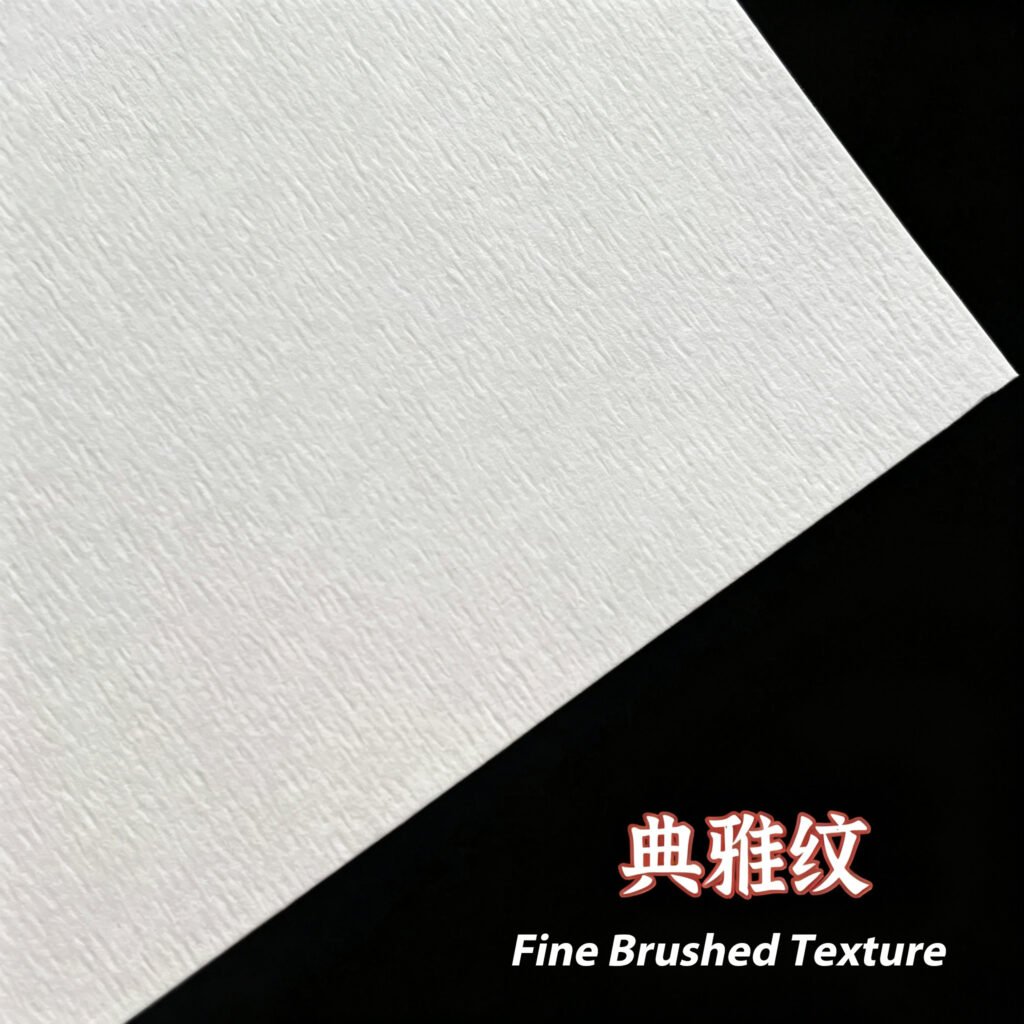
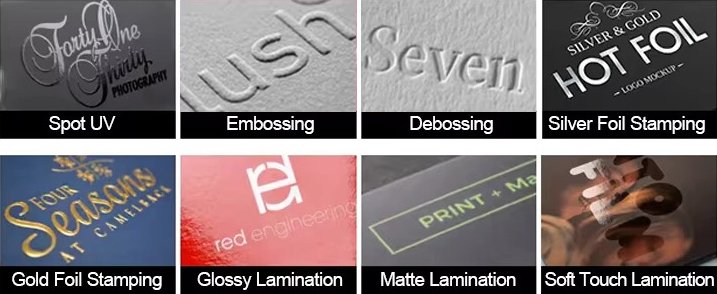
- Choose from a wide range of folding styles, paper stocks, and decorative finishes (matte, gloss, soft-touch lamination, foil stamping, spot UV, die-cutting) with efficient fast turnaround times.
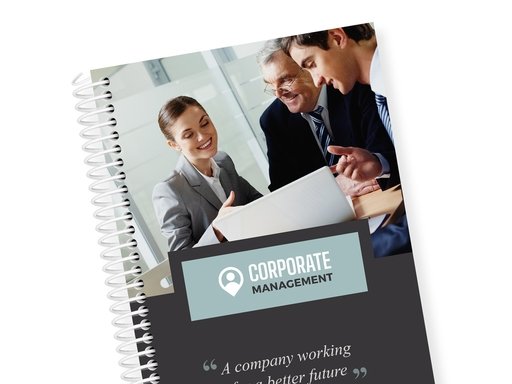
- Perfect for corporate brand introductions, product catalogues, real estate portfolios, event guides, and luxury businesses looking to deliver detailed brand messaging.
Customization options
- Customized logo
- Customized packaging
- Graphic customization
Description
FAQs
What is bleed?
Bleed is an area of print outside the document that must be added to your brochure artwork before it’s sent off for print. By adding the all-important bleed (a minimum of 3mm on all outer edges of every panel), there’ll be no risk of white space left on your brochure and it’ll be trimmed correctly without cutting into any design. Folded brochures like trifold, gate-fold or multi-page booklets require consistent bleed across all panels, so be sure to check our downloadable brochure templates to find out the correct amount.
What is safe area?
The safe area is the inner buffer space inside the final trim line of each brochure panel. Keeping any important parts of your design—text, logos, product images, contact details—well away from this zone will make sure that they aren’t accidentally trimmed off or covered by fold creases due to minor natural shifting during trimming, folding and finishing.
What’s the difference between RGB and CMYK?
RGB is the colour gamut used to display images on a computer screen, and stands for Red, Green and Blue. CMYK is the colour gamut used for conventional offset and digital printing, and stands for Cyan, Magenta, Yellow and Black. All brochure artwork must be created and saved in CMYK mode to prevent colour fading or mismatched tones on the finished folded print.
Why do I need to embed fonts?
If you don’t embed fonts and your brochure file is opened on another computer system that doesn’t have access to the original fonts, generic substitute fonts will be applied instead. This will disrupt text spacing, layout and your brand’s consistent look across every folded panel. Embedding fonts into your original PDF or AI design file locks text formatting so your brochure appears exactly as you designed it.
How to print Brochures?
Brochure printing can be made a lot easier by using our professional printing service. Just prepare your multi-panel print-ready artwork, upload your design to our team, choose your brochure size, paper weight and folding style, select premium finishing touches like lamination, foil or spot UV coating, preview and approve the digital proof of all folded spreads, place your order. If you have custom page counts, special die-cut shapes or bespoke folding requests, our design team are always happy to help.
What is the standard Brochure size?
Our most popular standard brochure base sizes are:
- A4 folded down to A5 (210mm × 148mm)
- DL Brochure: 99mm × 210mm (long narrow mailer format)
- A5 full flat size: 148mm × 210mm
- However, if you’re looking for something unique, we also offer alternative sizes including square, slim wide and custom oversized booklet options to help your brand stand out.
What folding styles are available for Brochures?
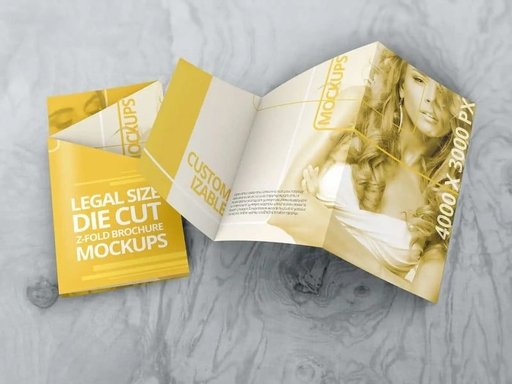
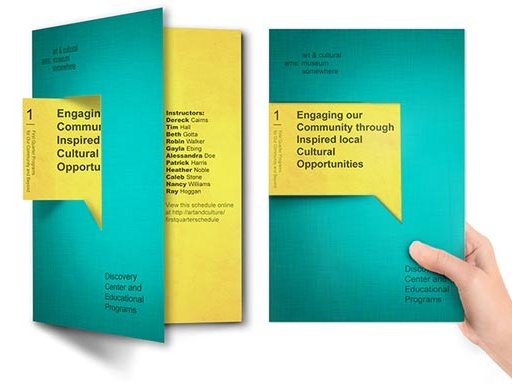
We believe your brochure should match your brand’s content and purpose, which is why we offer a wide array of creative folding styles to choose from. Whether you’re drawn to the compact trifold layout for product catalogues, the elegant gate-fold for luxury brand introductions, the multi-page z-fold for step-by-step guides, or simple half-fold for short promotional leaflets, we’ve got something for every marketing need. Custom multi-page saddle-stitched booklets are also available.
What resolution is best for Brochure artwork?
To ensure the highest quality print across all folded panels, we recommend uploading your brochure artwork at a resolution of 300dpi (dots per inch). This ensures that all small text, product photos and graphic details appear crisp and clear when printed on every page of your finished brochure.
What material is best to print Brochures?
Choosing the right material for your Brochures depends on the impression you want to leave and your intended use. Here are some popular options:
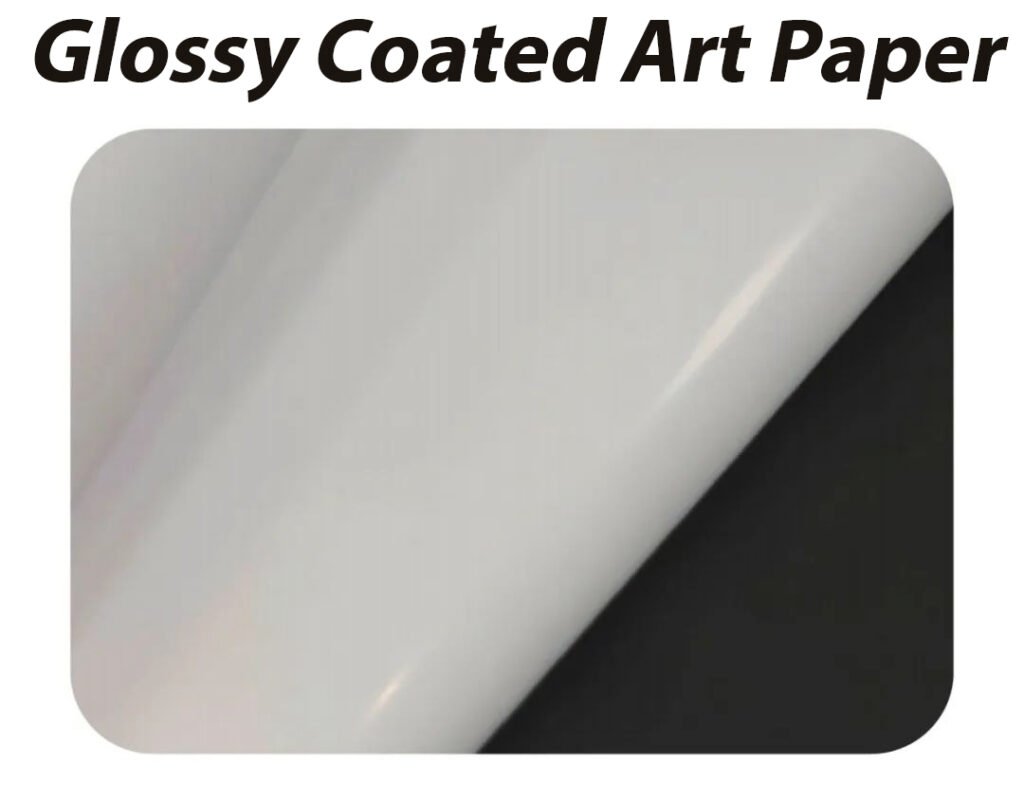
• Gloss Coated Art Stock: Bright reflective surface that boosts vibrant colour saturation, perfect for retail, food and event marketing brochures.
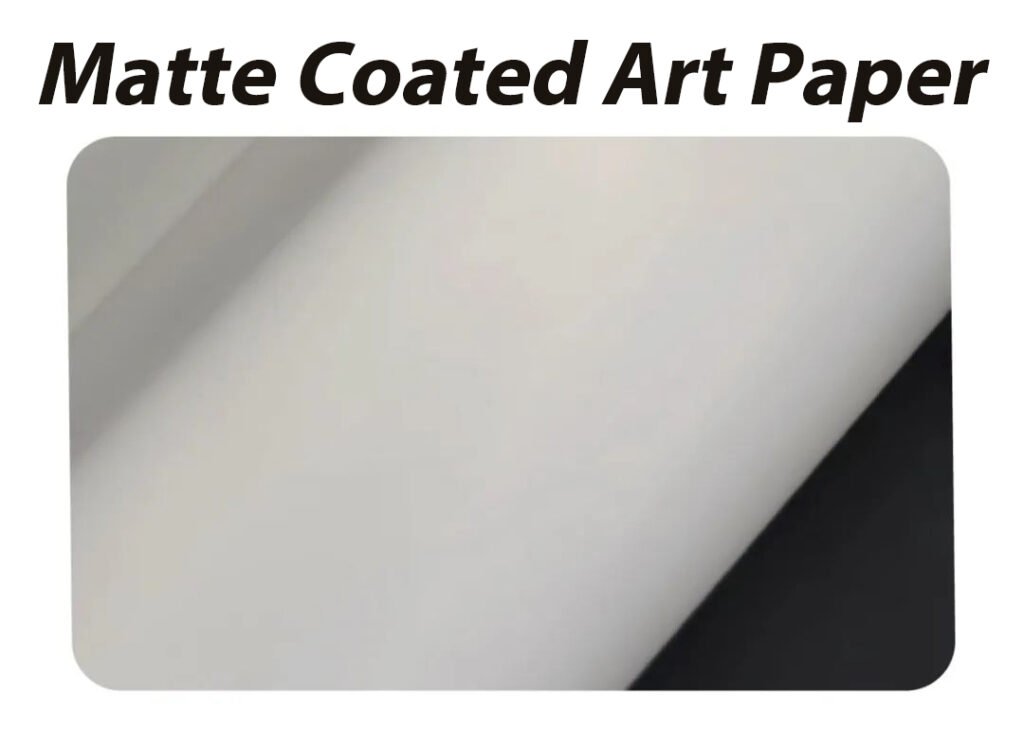
• Matte Coated Stock: Soft non-glare finish with a premium, muted tone, ideal for real estate, beauty and corporate brand catalogues.
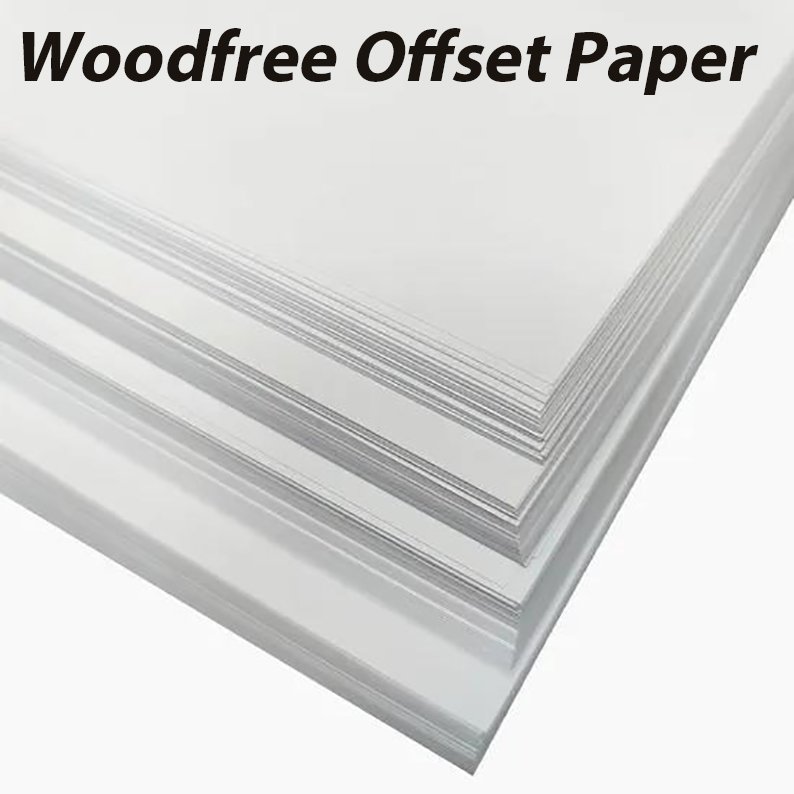
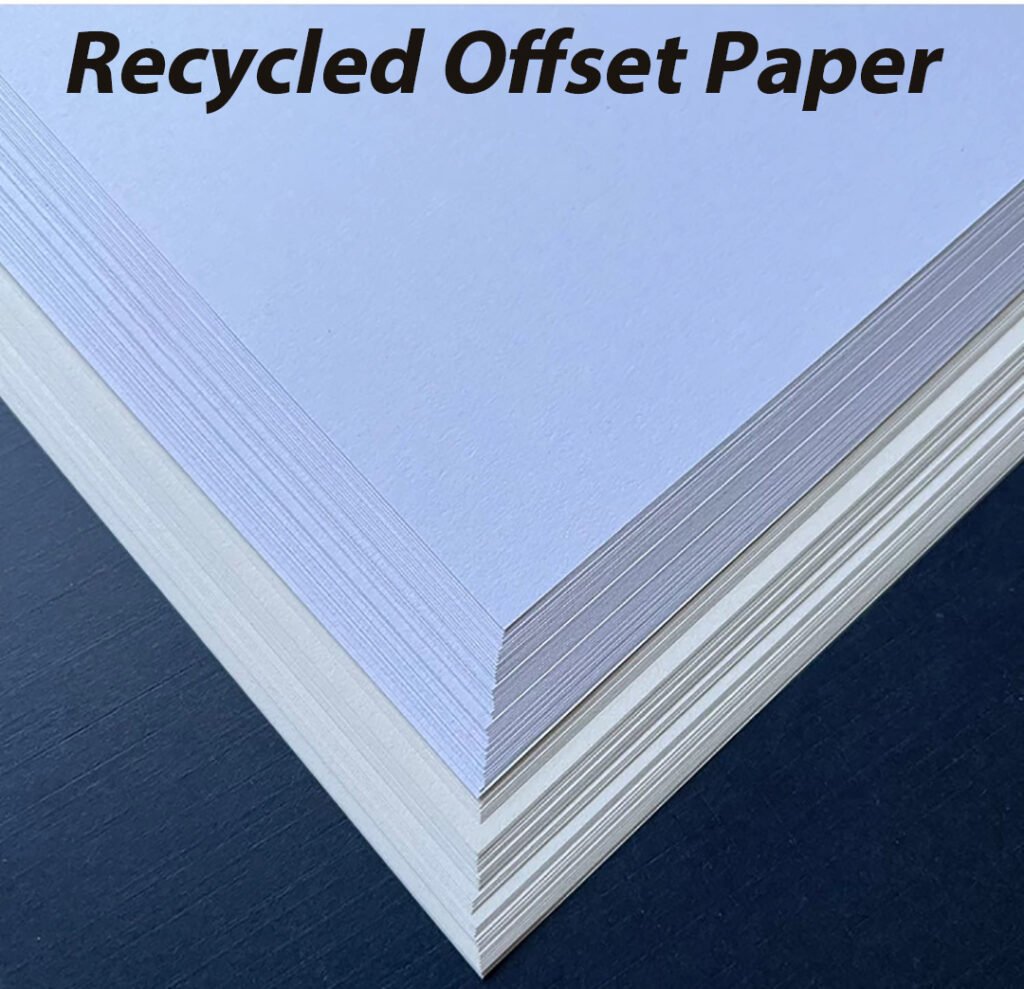
• Uncoated Recycled Paper: Natural textured finish with no surface coating, providing an eco-friendly, soft touchable texture that’s great for handwritten notes and sustainable brand campaigns.
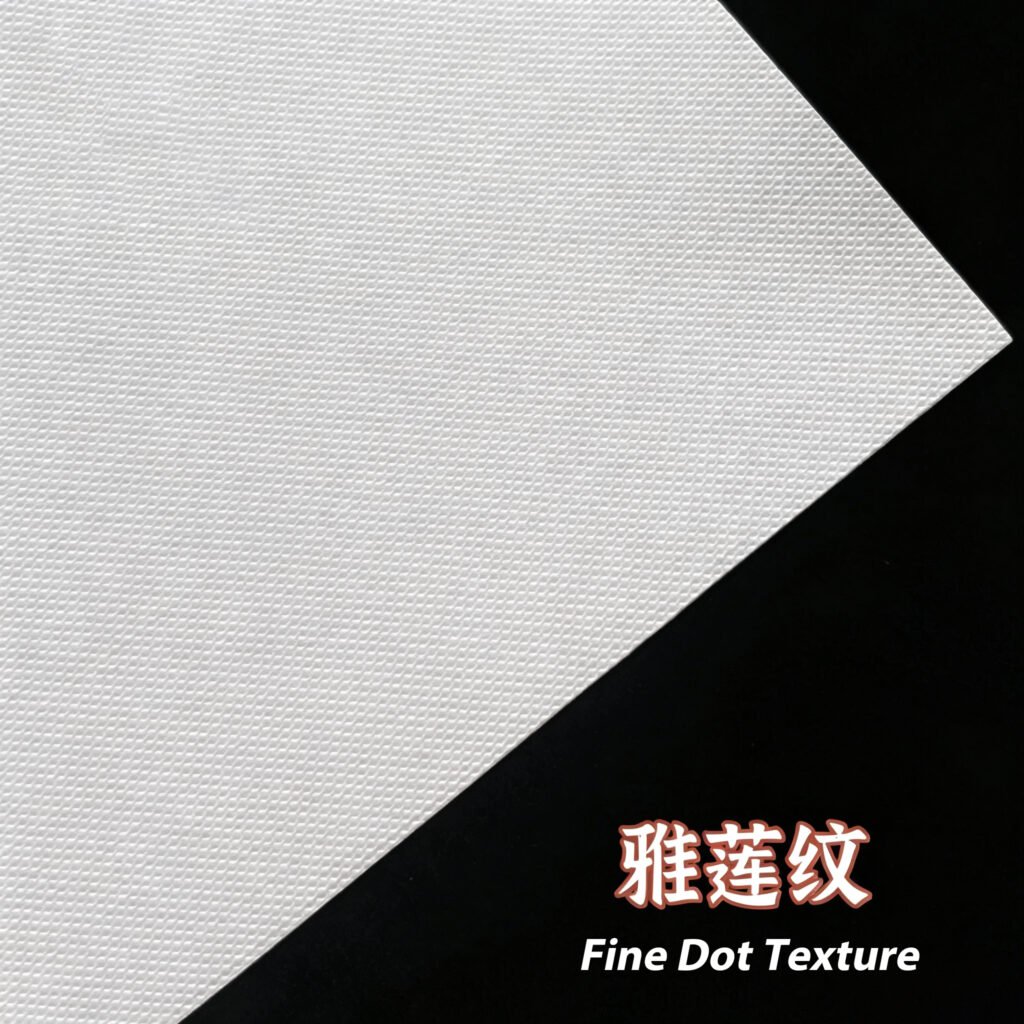
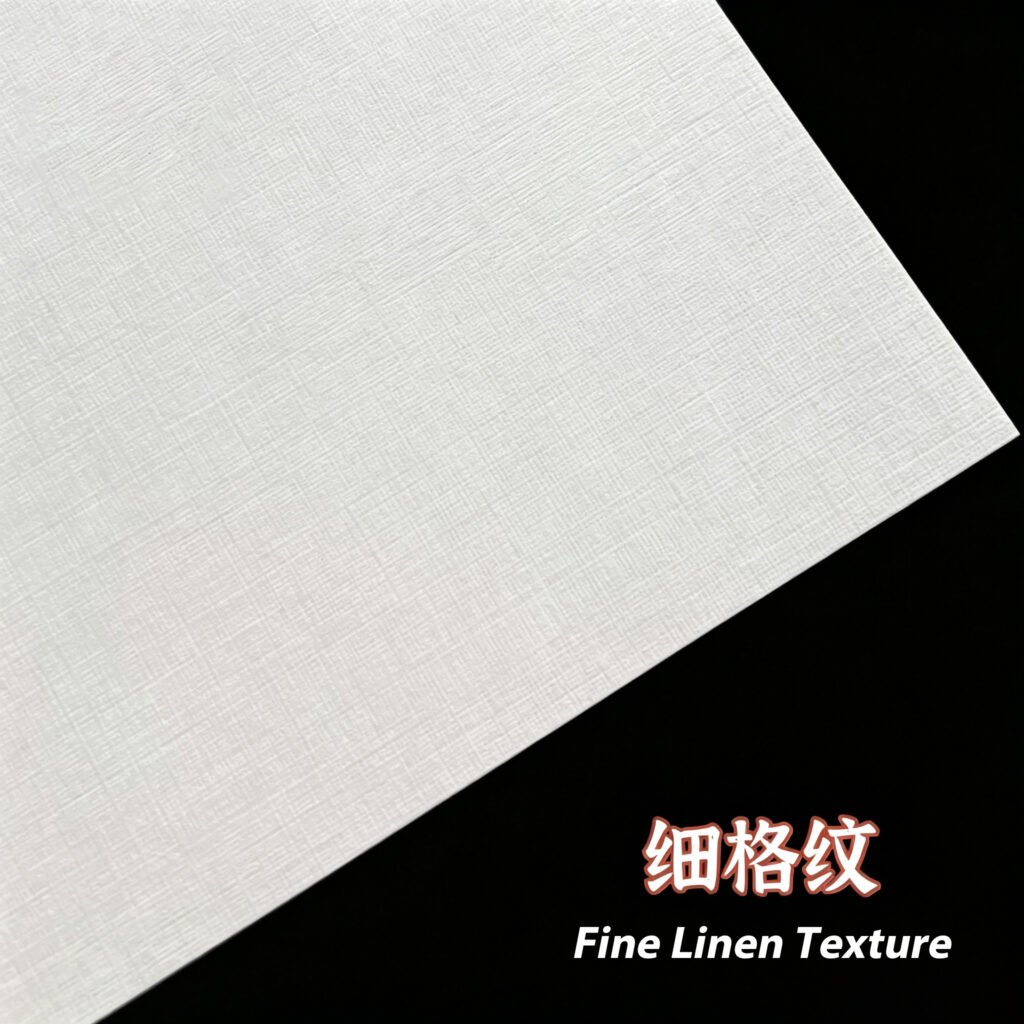
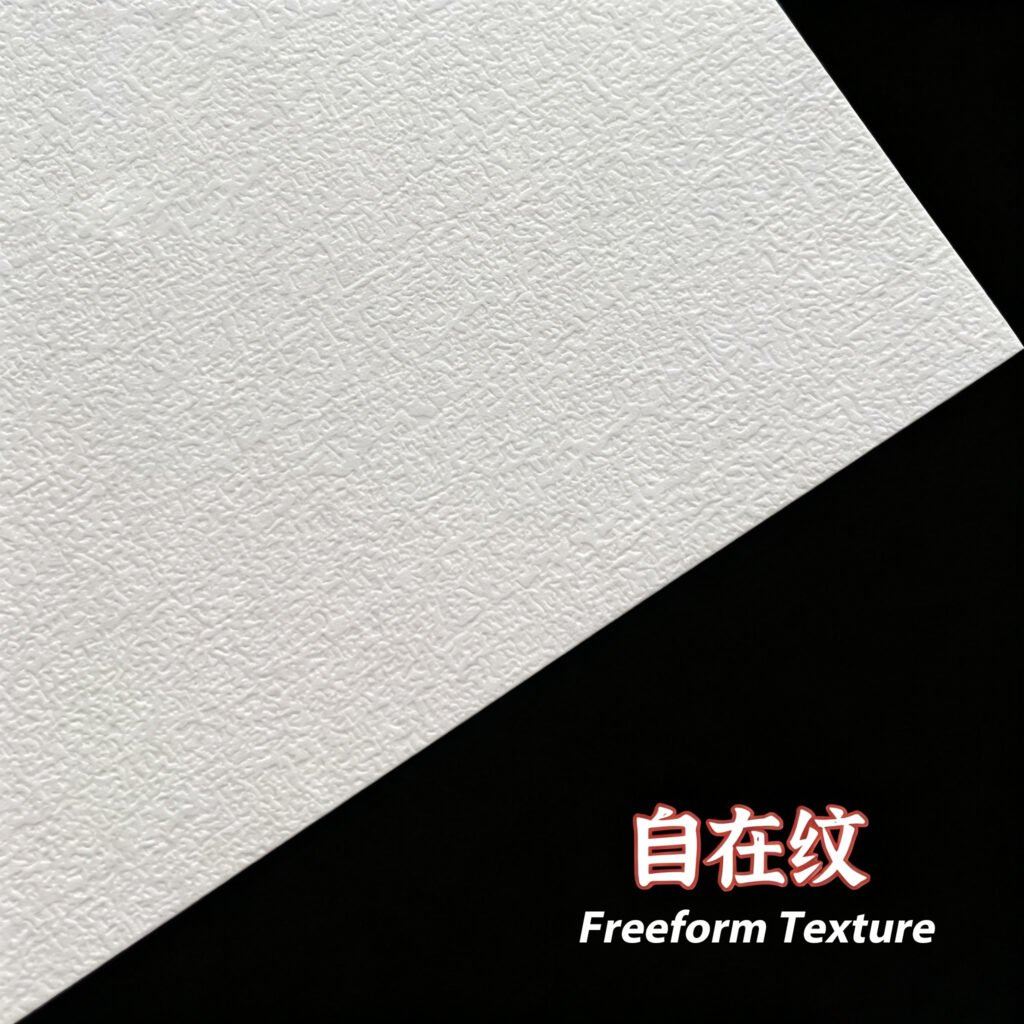
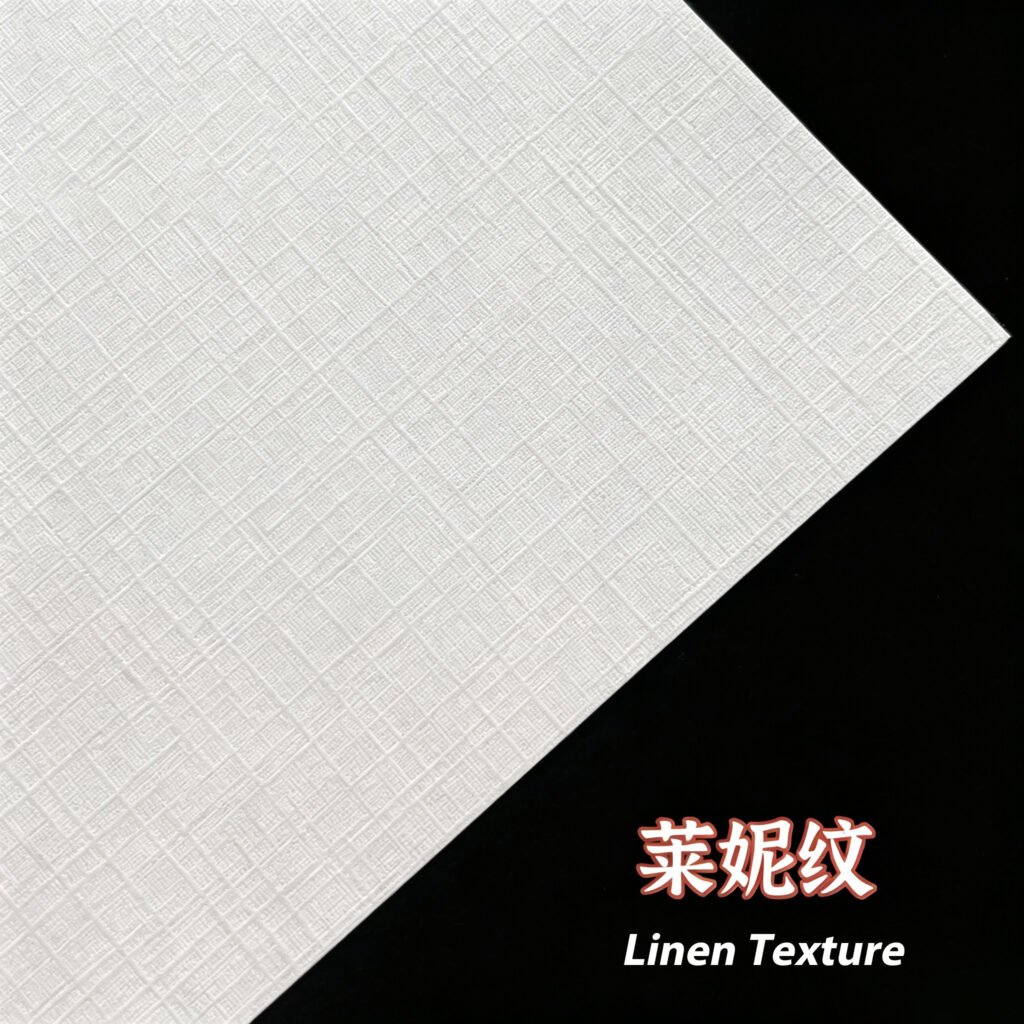
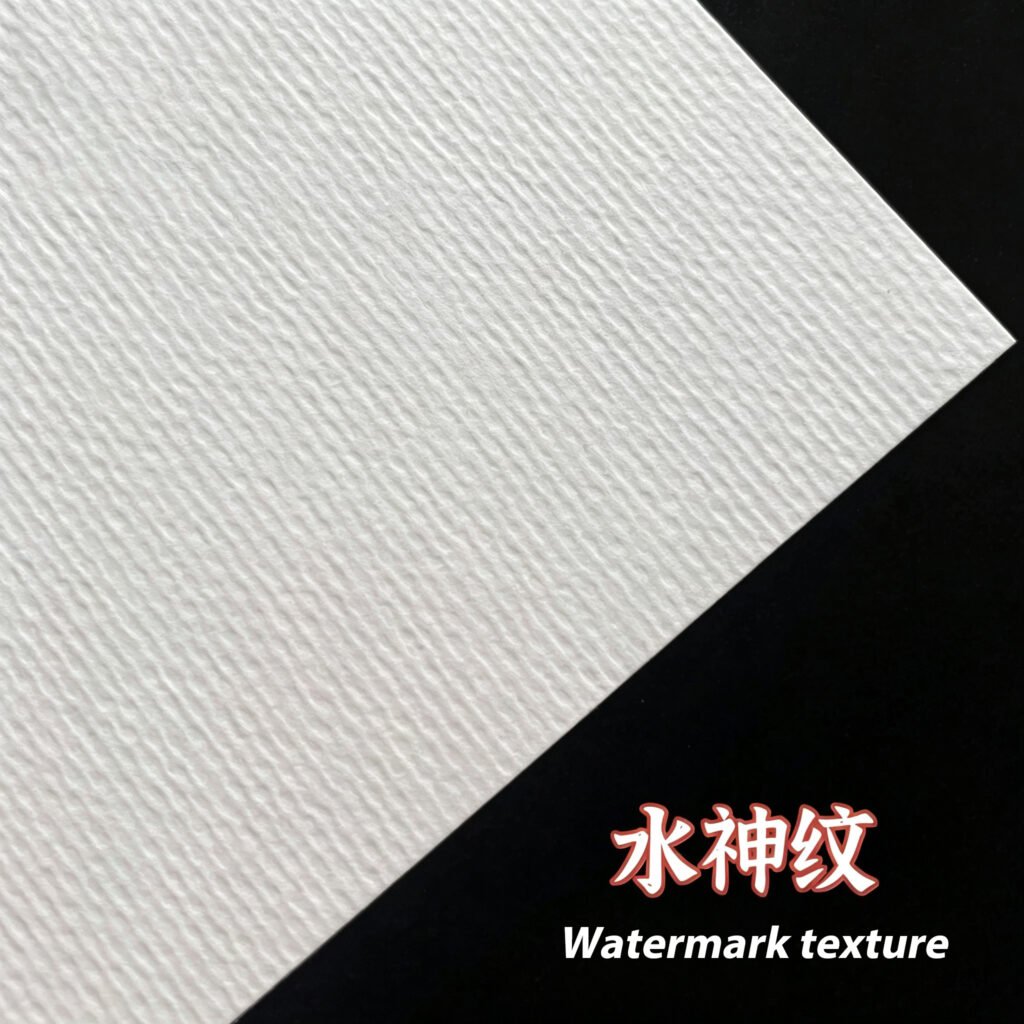
• Heavyweight Textured Card: Thick linen or cotton stock for luxury high-end brochures that feel premium when handled.