Presentation Folders
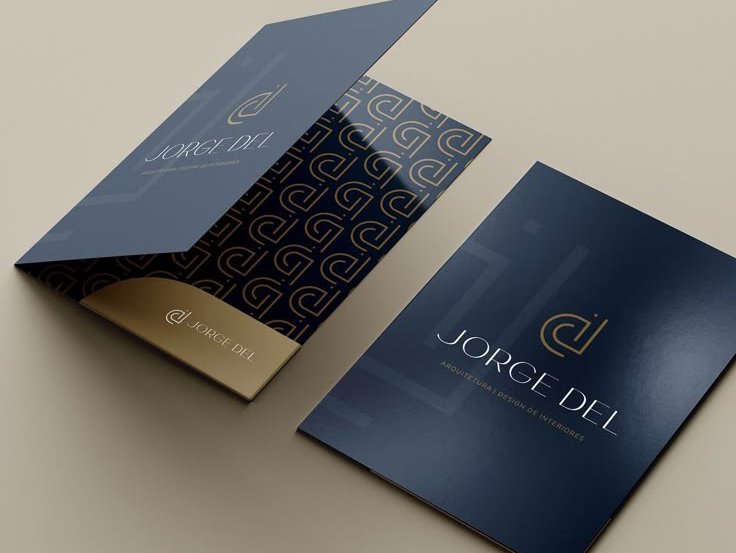
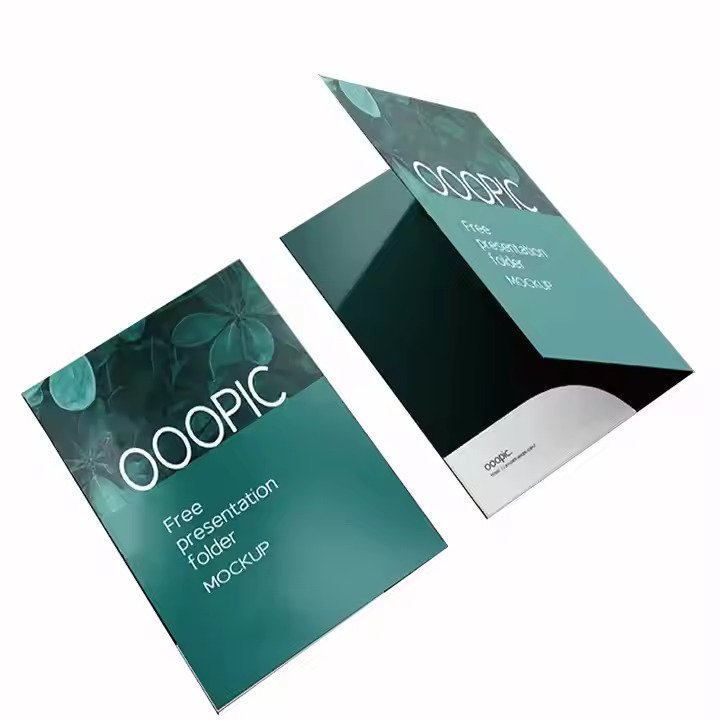
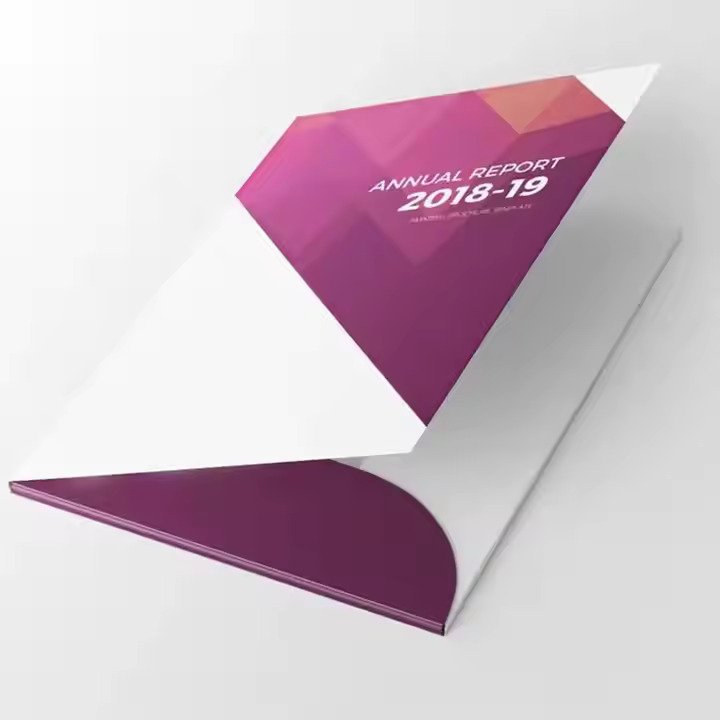
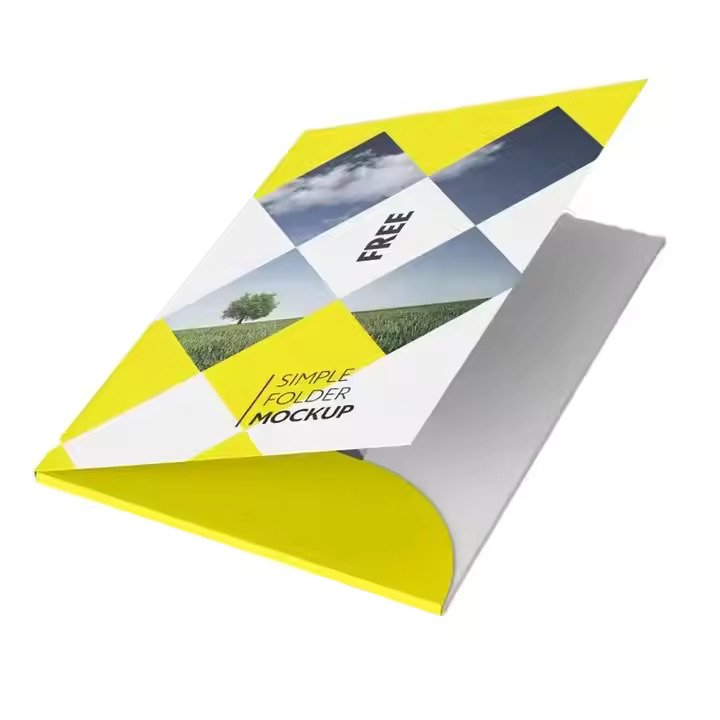
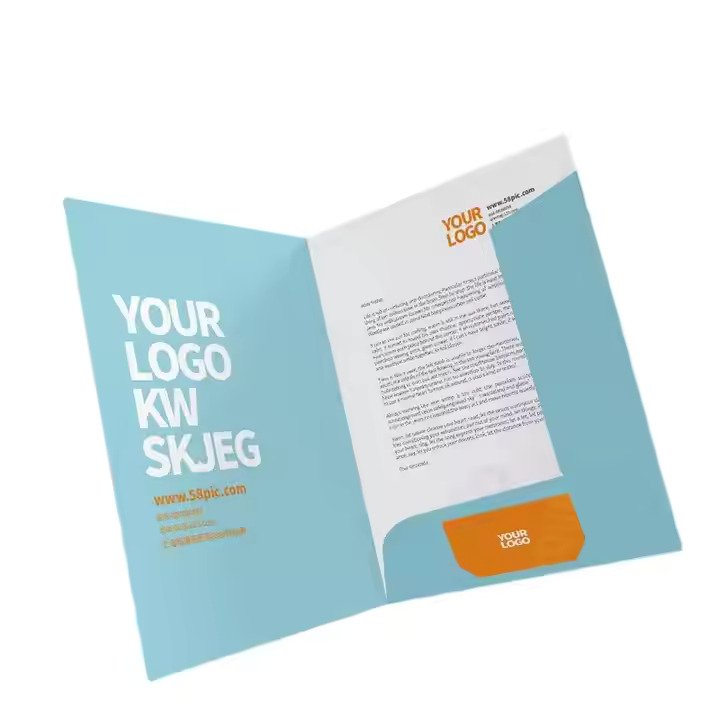
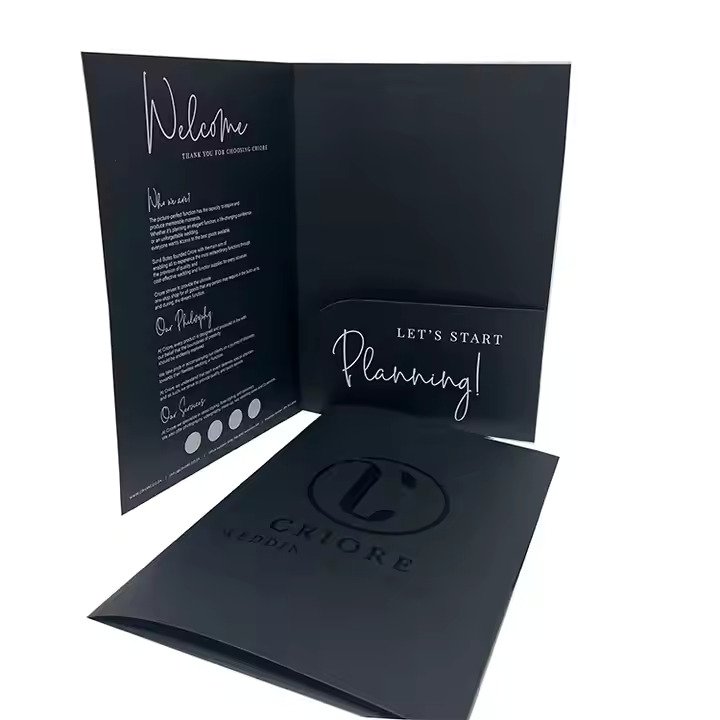
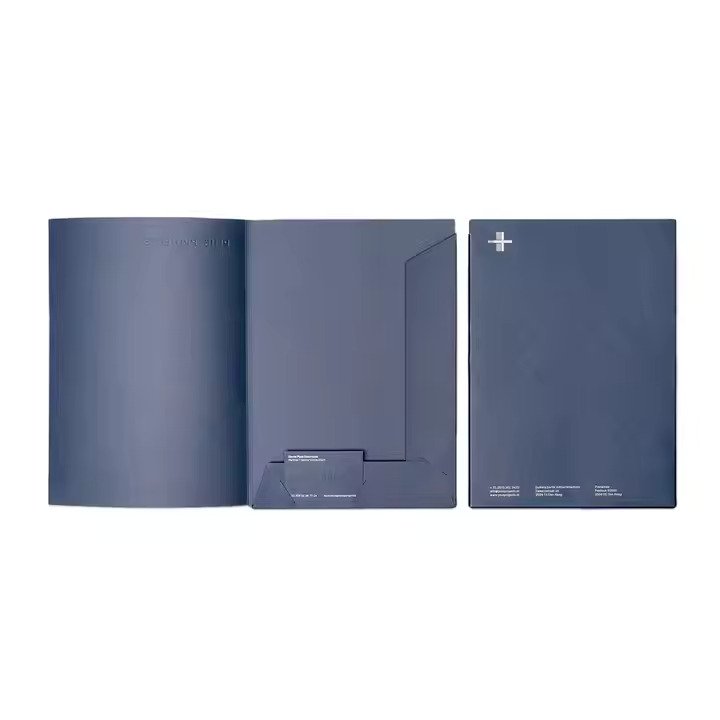
Presentation Folders (also called business folders or marketing folders) are high-quality, custom-printed folders designed to hold documents, brochures, business cards, and promotional materials.
They serve as a professional and elegant way to organize and present information for corporate, academic, and event-related purposes.
Customization options
- Customized logo
- Customized packaging
- Graphic customization
Description
FAQs
What is bleed?
Bleed is an area of print outside the main document that must be added to your artwork before submitting it for printing. We recommend a minimum 3mm bleed on all edges of the folder artwork. Adding proper bleed prevents unwanted white borders after trimming and ensures your design runs correctly to the edge without key content being cut off. Always check our official presentation folder templates for exact bleed specifications, as folder formats may differ from smaller print items.
What is safe area?
The safe area is the inner zone within the final trimmed size of the presentation folder, where critical text, logos, contact details and key graphics must sit. Keep all important design elements well inside the safe area, away from the trim lines and fold lines. This avoids accidental trimming, creasing or hiding essential content during finishing, folding and trimming processes.
What’s the difference between RGB and CMYK?
RGB (Red, Green, Blue) is the colour mode used for digital screen displays only. CMYK (Cyan, Magenta, Yellow, Black) is the colour mode designed for physical offset and digital printing. To avoid unexpected colour shifts, dull tones or mismatched branding, please set up all presentation folder artwork in CMYK colour mode before submission.
Why do I need to embed fonts?
If fonts are not embedded in your artwork file, the printing system may automatically replace them with default fonts that do not match your original design. This can ruin text formatting, alter branding styling and break layout alignment on large folder panels. Embedding fonts locks them into the file, ensuring text displays and prints exactly as designed.
How to order Presentation Folders?
Ordering custom presentation folders is simple with our printing service. First, download our official folder template and create your artwork following bleed, safe area and colour guidelines. Next, upload your finished file, select your paper stock, add custom finishes (such as lamination, embossing, foil stamping, die-cuts or pockets), review and approve the digital proof, confirm quantities and place your order. Our support team is available to assist with custom sizes, pocket layouts and special requests.
What is the standard Presentation Folder size?
The most common standard presentation folder is designed to fit A4 documents, typically 210mm × 297mm (A4 compatible format). We also offer custom sizes, including legal-size, slim profiles and bespoke die-cut shapes to suit brochures, booklets, brochures and branded document sets.
What finishes and materials are available for Presentation Folders?
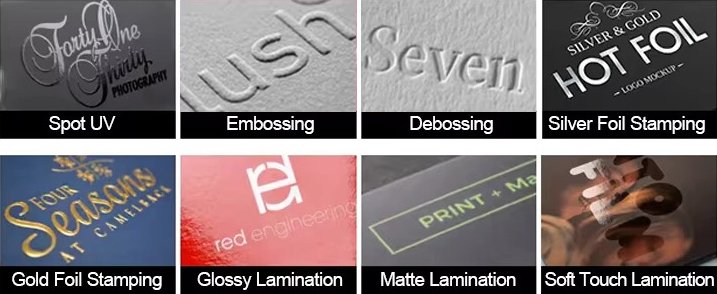
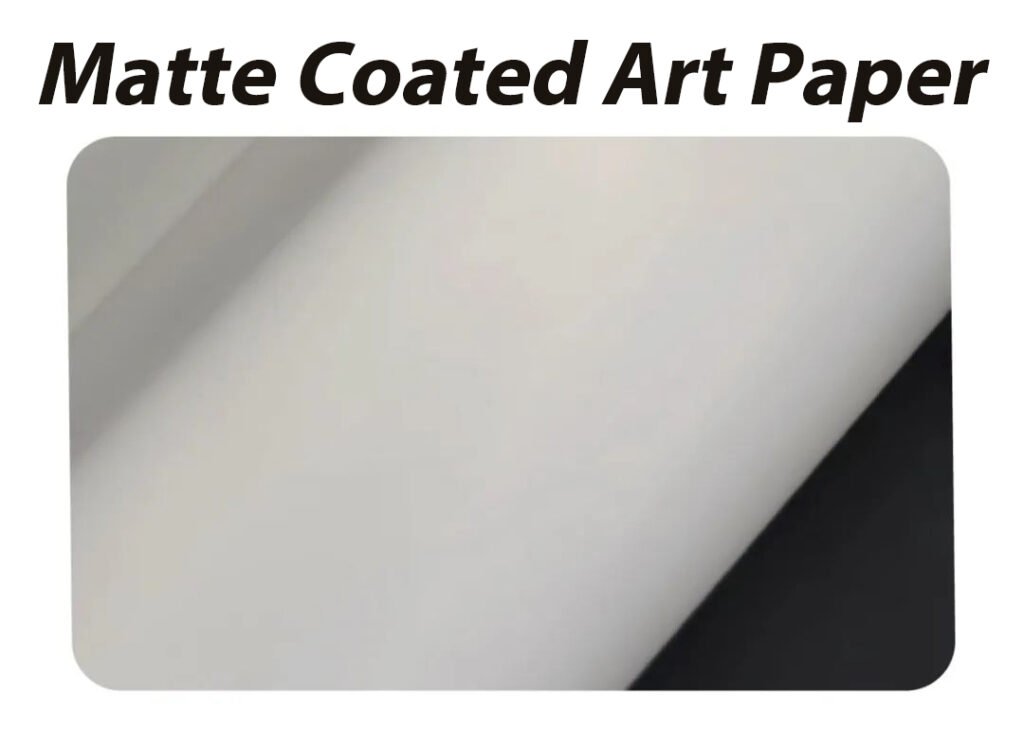
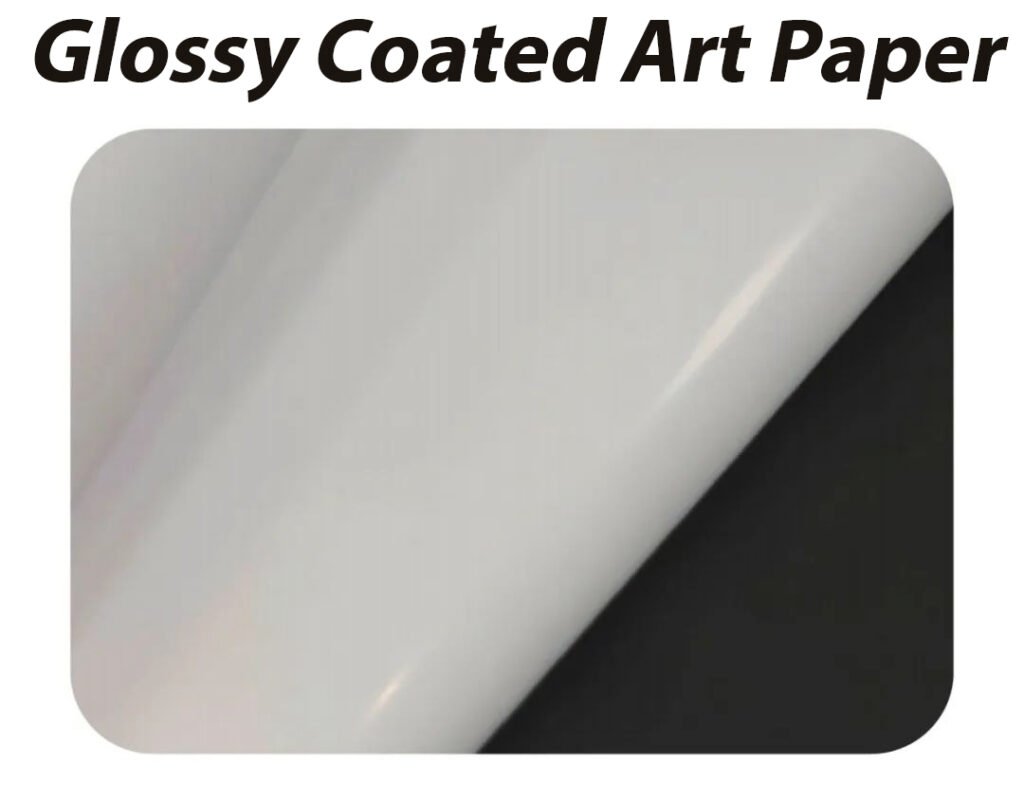
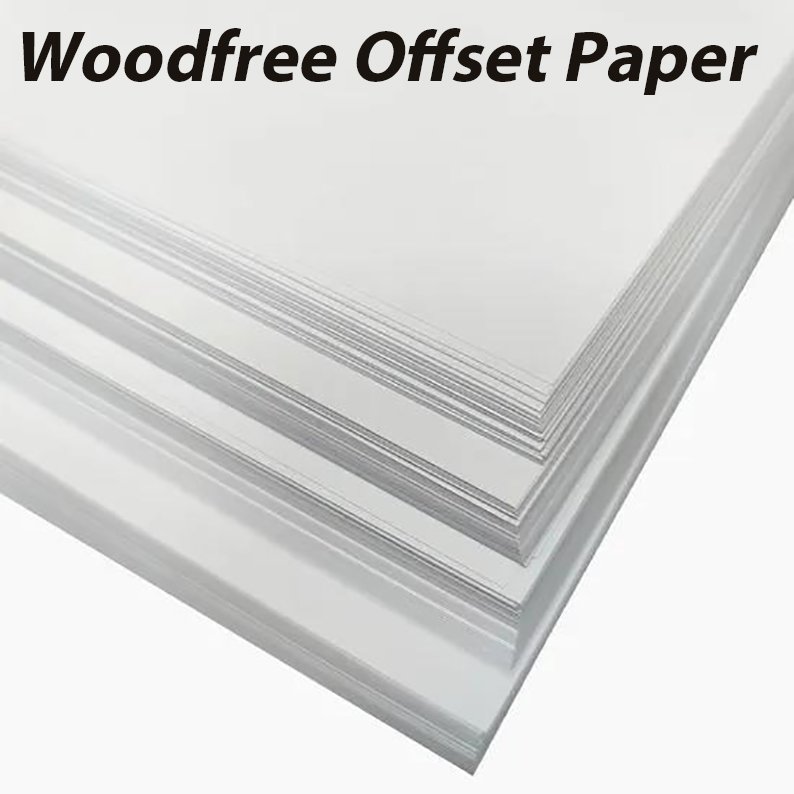
We offer a wide range of premium paper stocks and finishes for custom presentation folders:
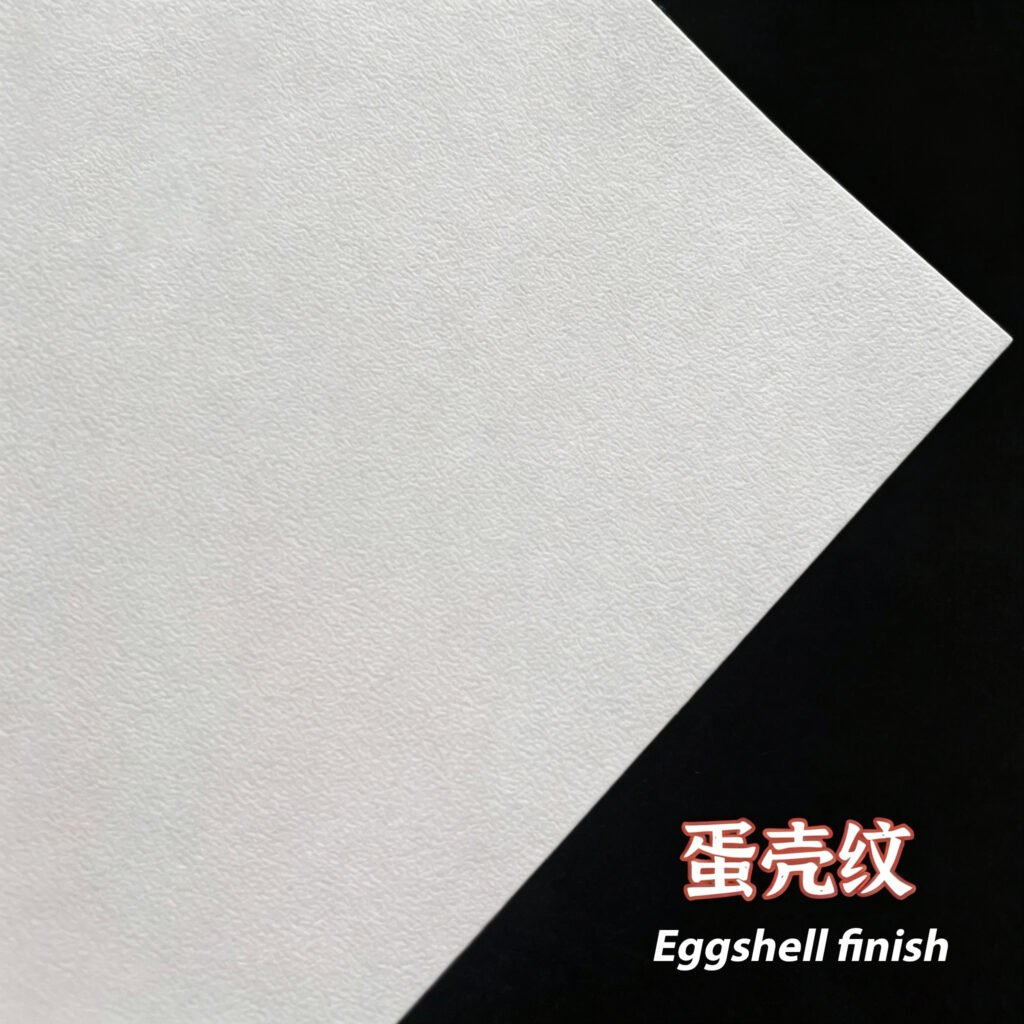
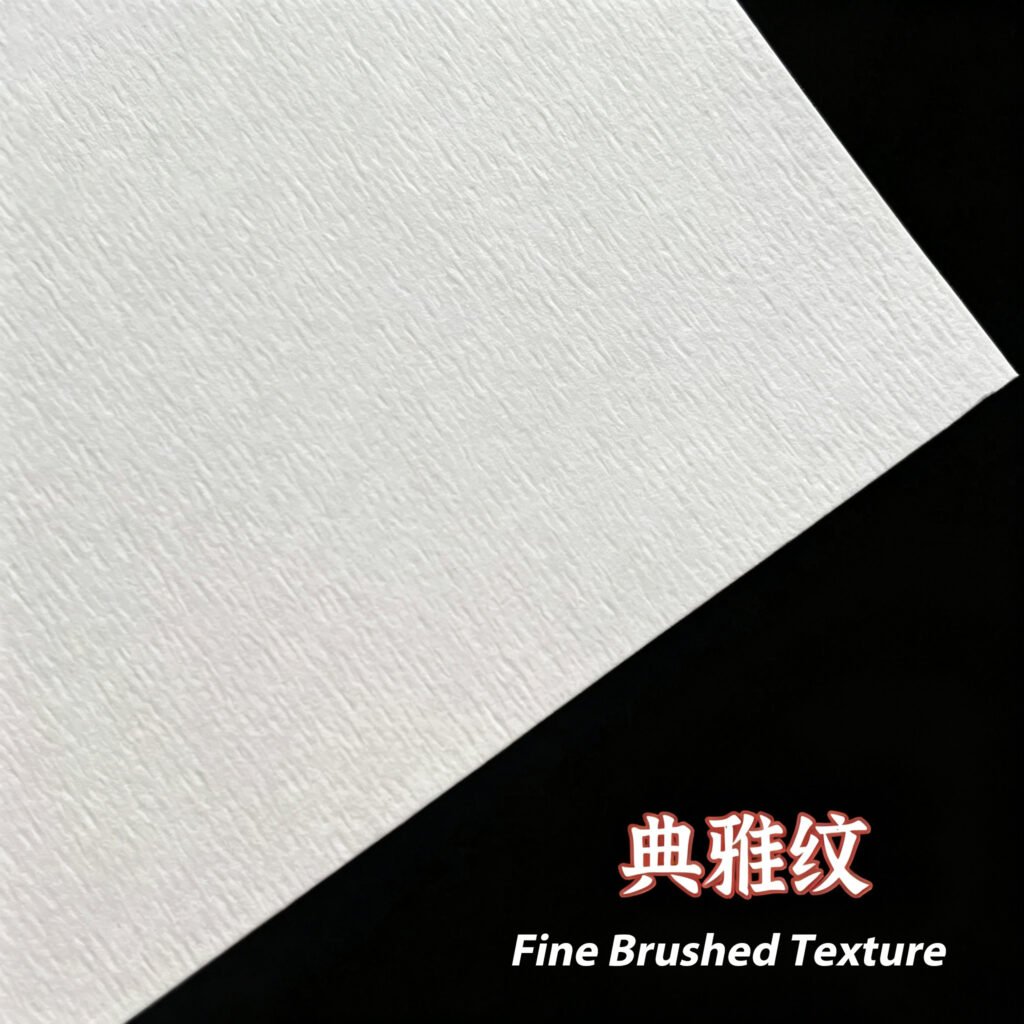
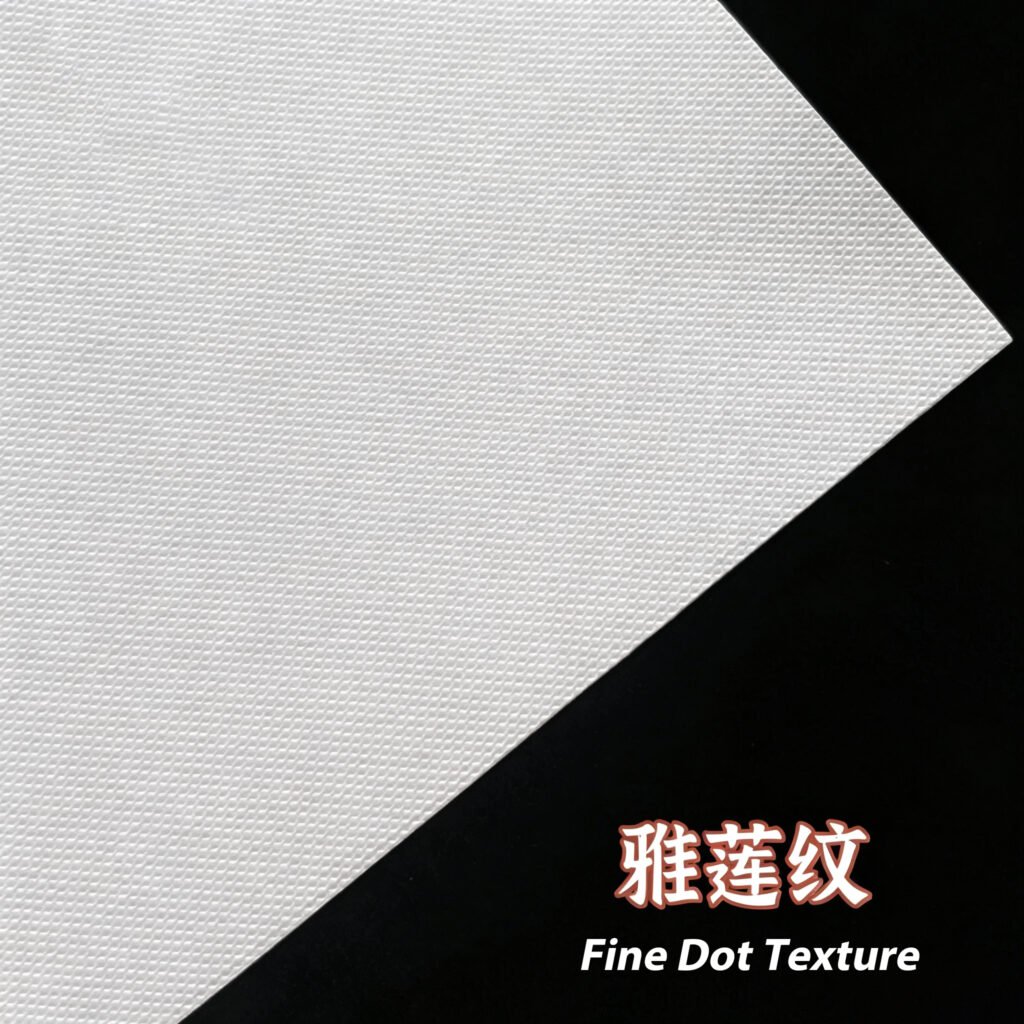
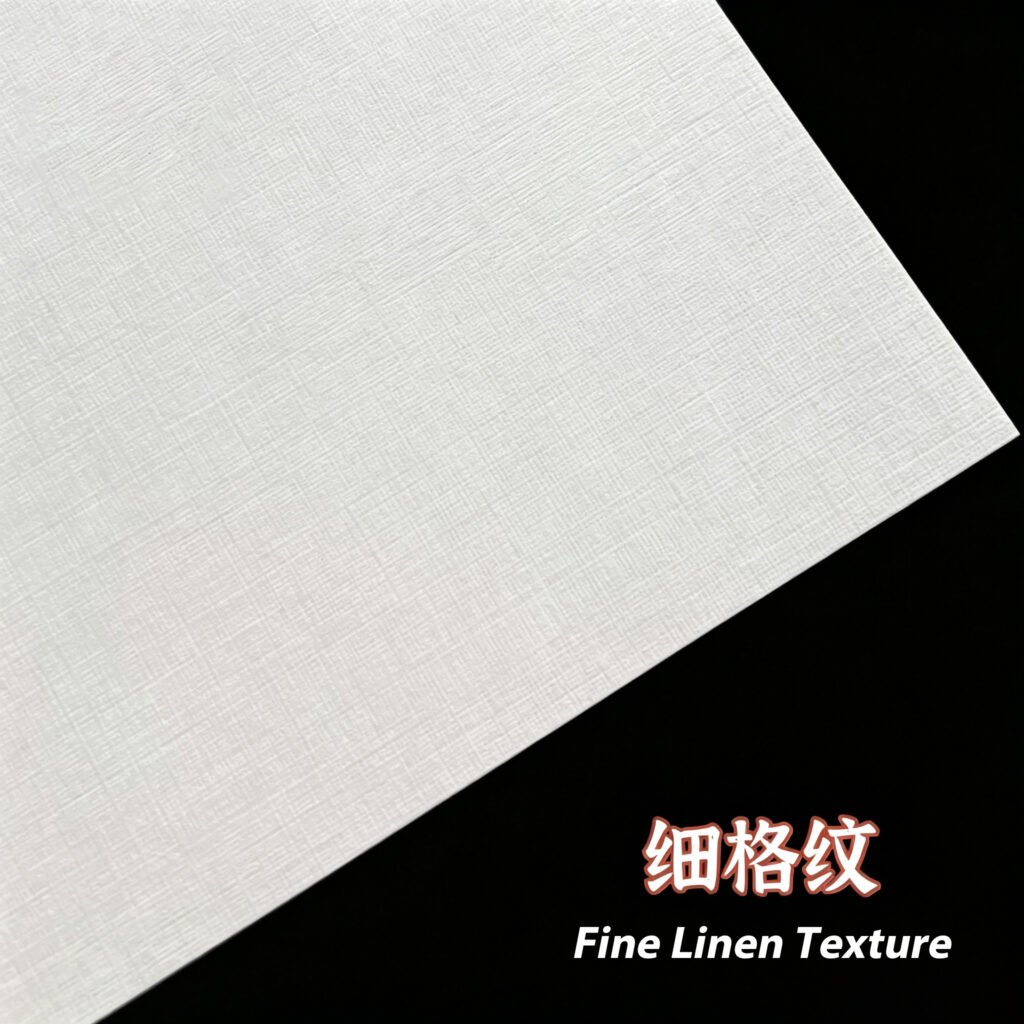
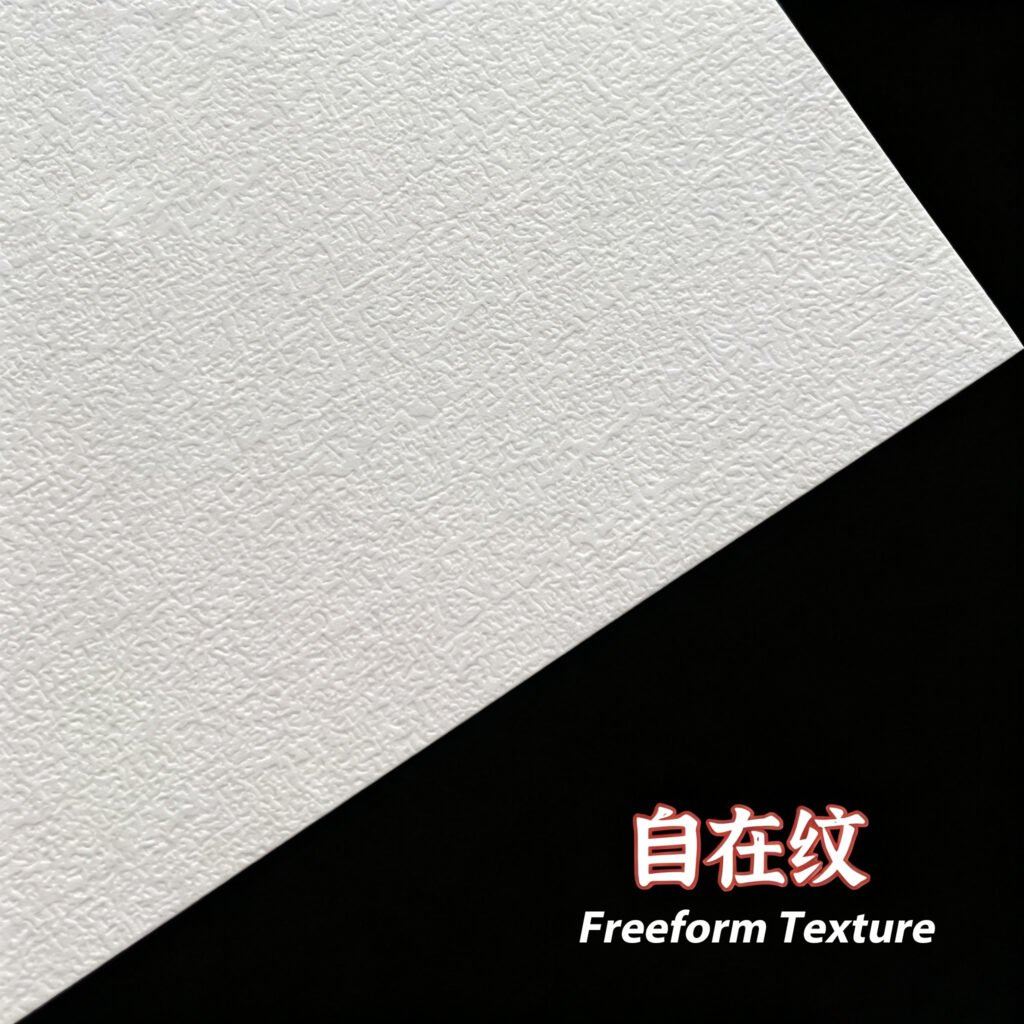
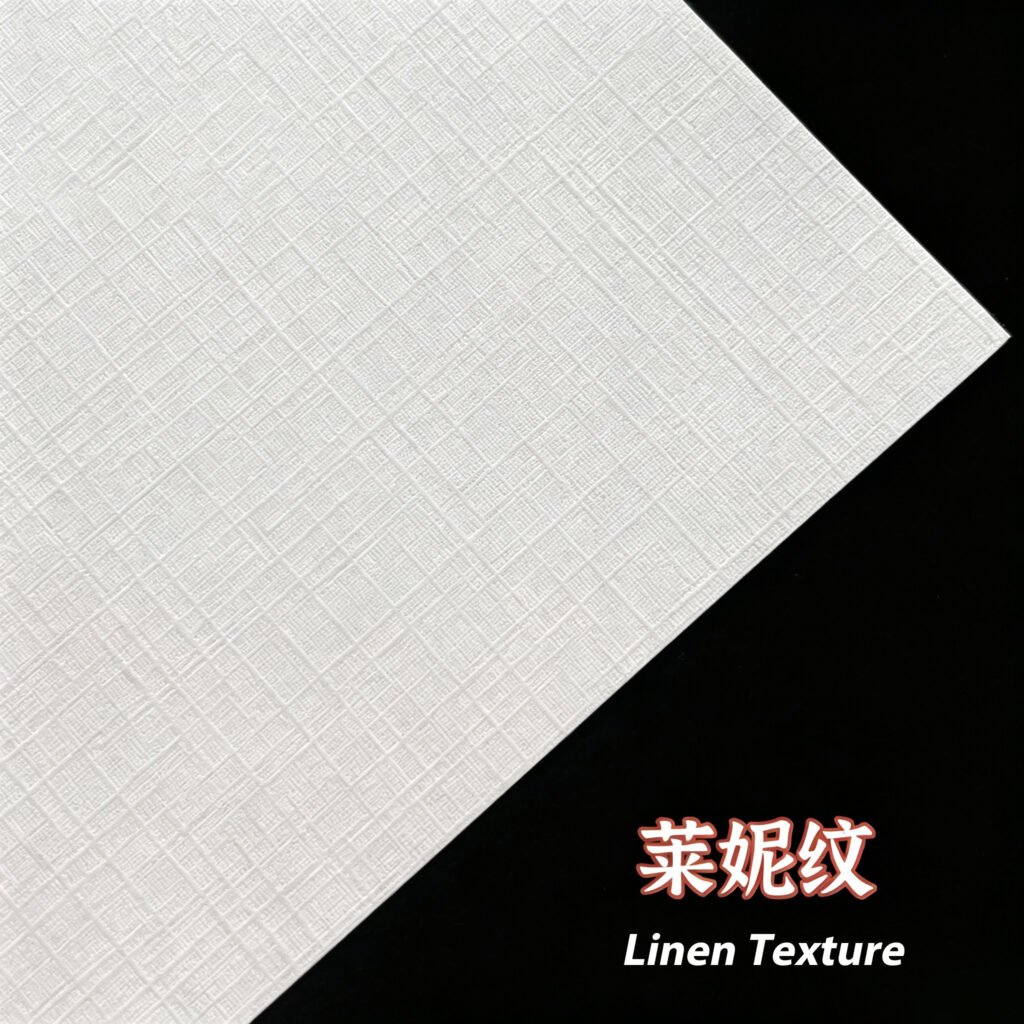
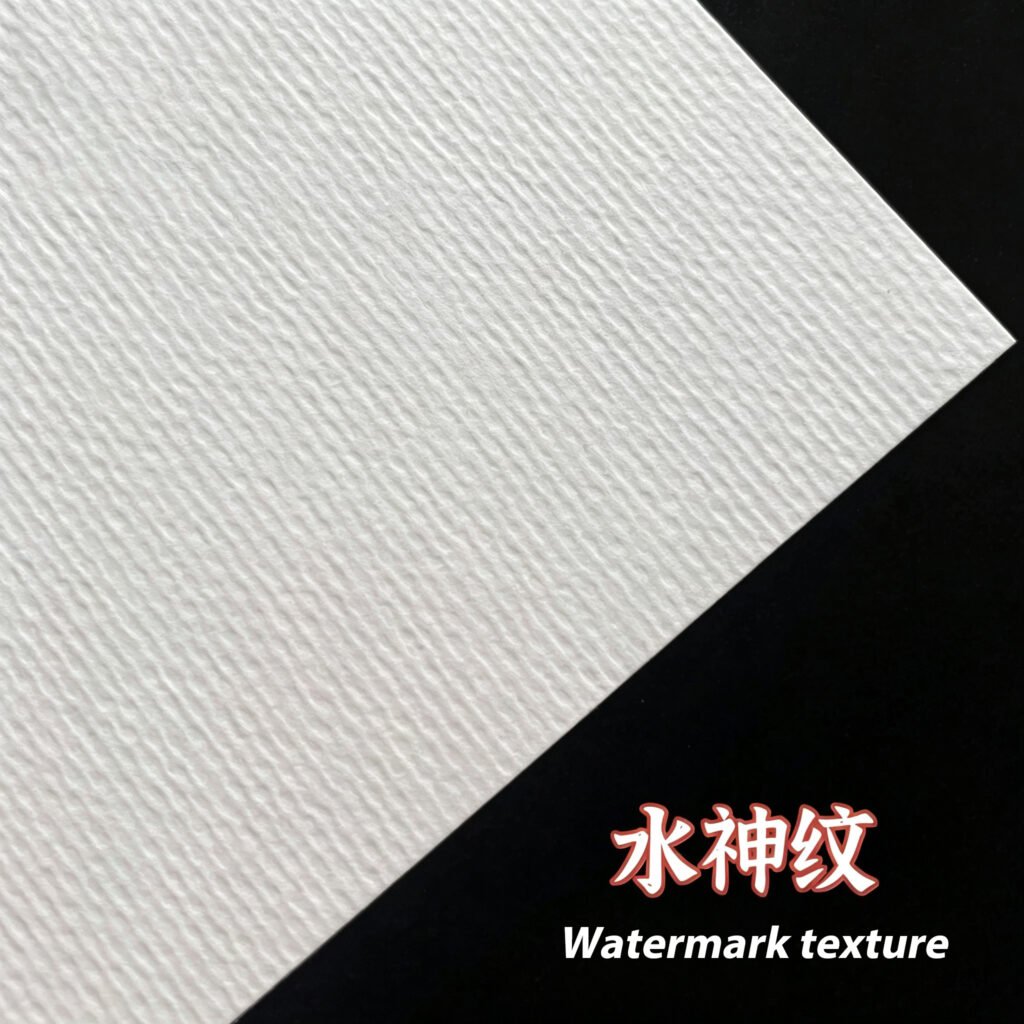
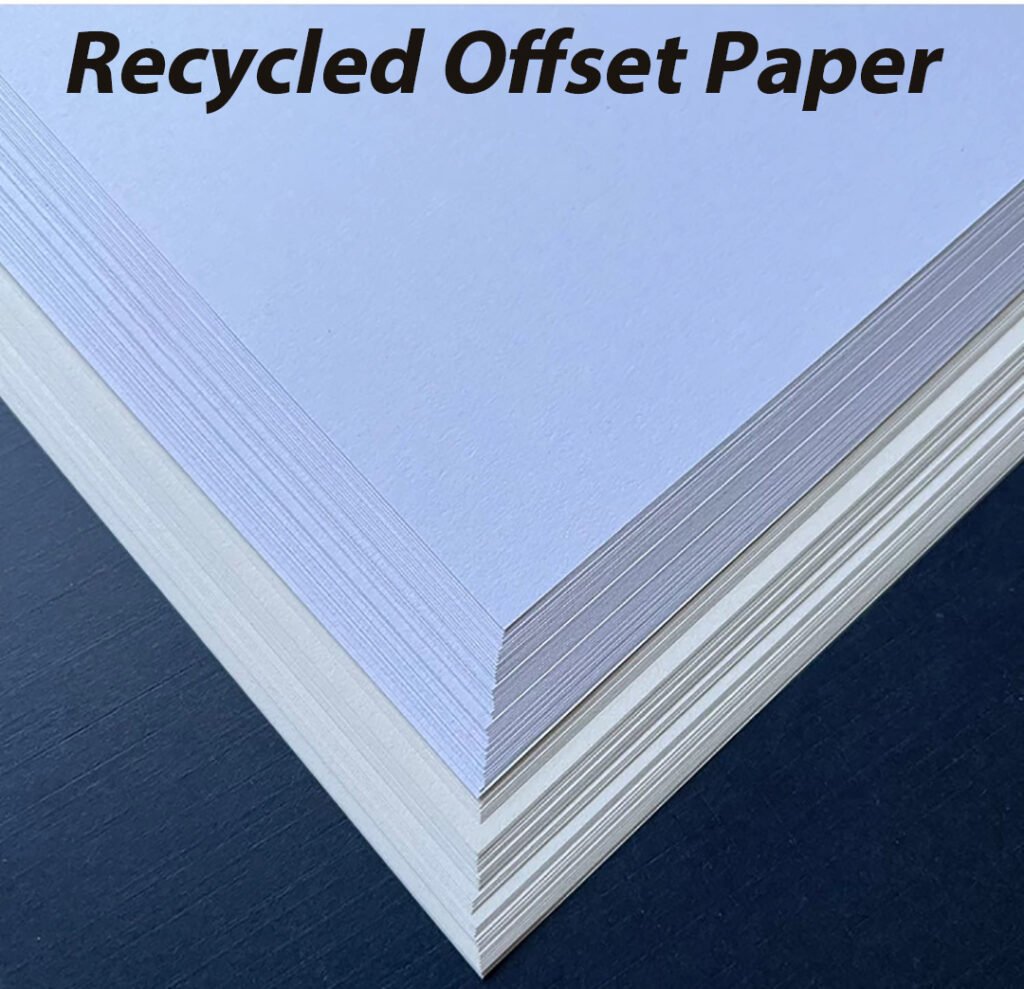
Textured art paper: Various embossed textures for a tactile, luxury feel
Matte / gloss lamination: Adds protection, rigidity and a consistent finish
Foil stamping: Metallic gold/silver/coloured foil for premium logo branding
Emboss / deboss: Raised or recessed texture for subtle branding
UV coating: Spot UV for glossy accent details and extra durability
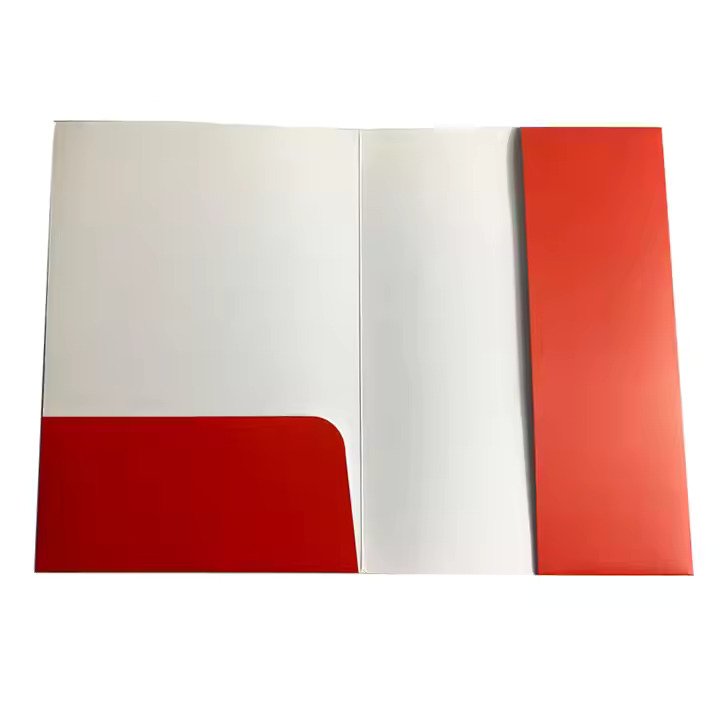
Die-cut pockets / slits: Built-in pockets, business card slits and custom cutouts for inserts
What resolution is best for Presentation Folder artwork?
For sharp, crisp printing across large folder panels, we recommend artwork at a resolution of 300dpi (dots per inch) at full final size. Low-resolution images will appear blurry or pixelated when printed at full size, especially on larger front/back cover panels.
Can I add pockets and business card slits to presentation folders?
Yes! Our custom presentation folders support multiple internal pocket configurations, including single pockets, double pockets, and dedicated die-cut slits for business cards, brochures or flyers. These are fully customisable for conferences, sales kits, client proposals and corporate documentation packages.
What file format should I submit for presentation folder printing?
We prefer print-ready PDF files with embedded fonts and correct bleed settings. PDF files ensure consistent layout, colours and formatting across our printing workflow. Avoid raw editable formats (such as native Word or PowerPoint files), as these can cause layout shifts and colour errors.