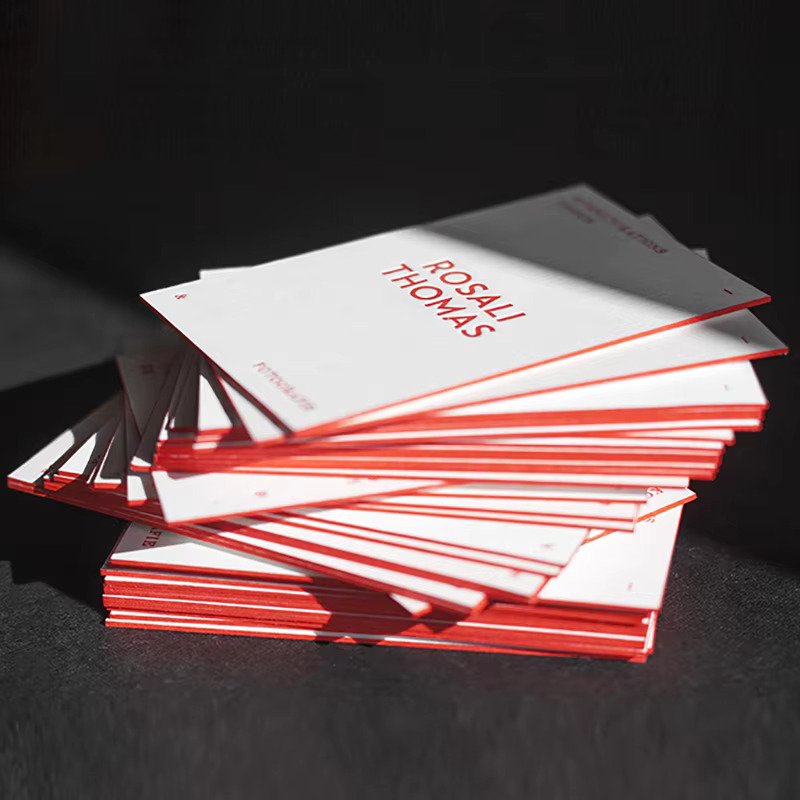
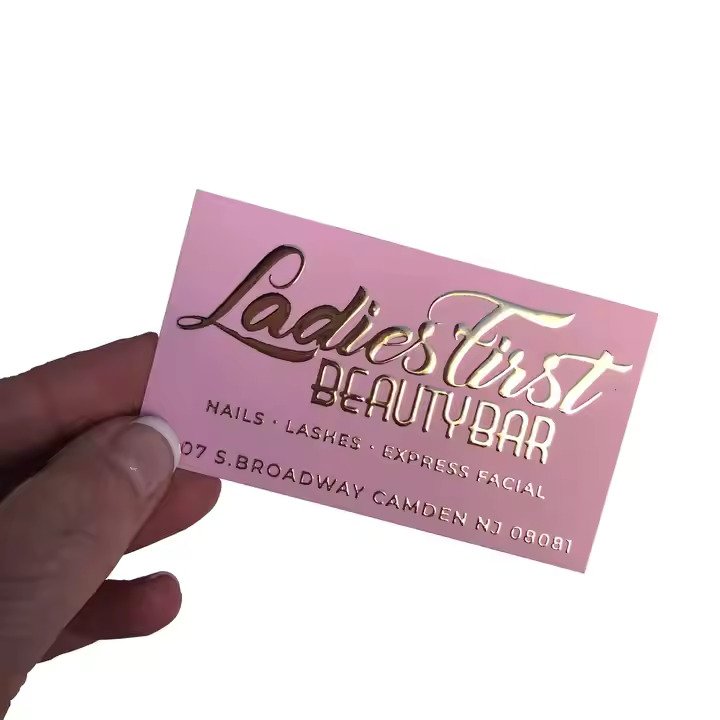
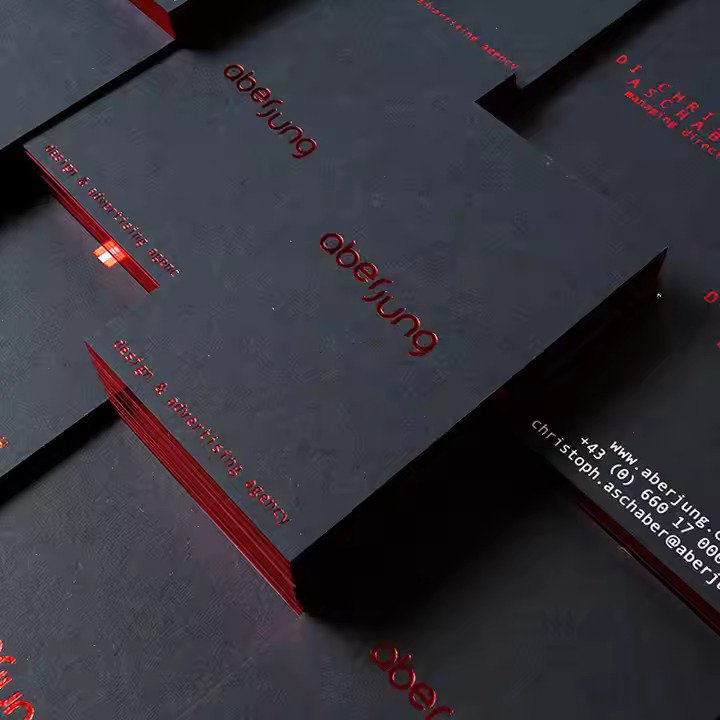
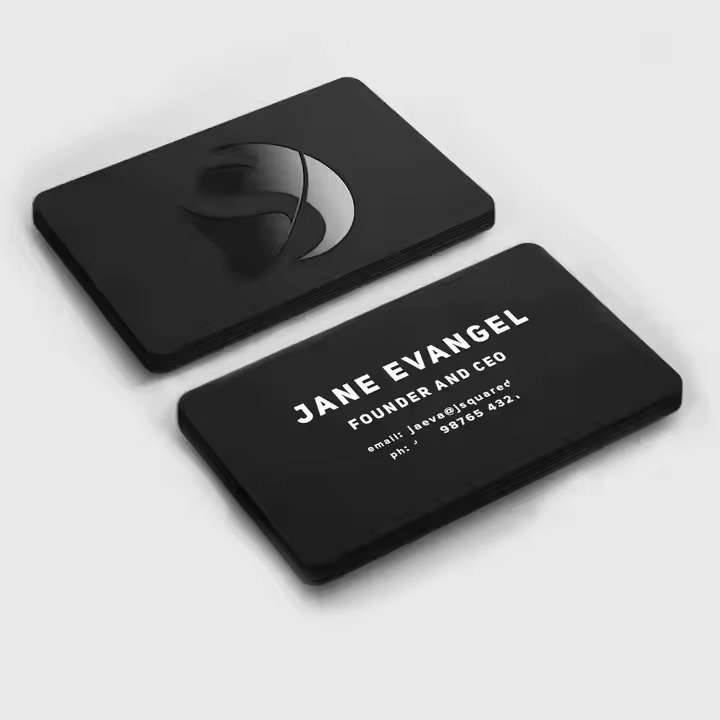
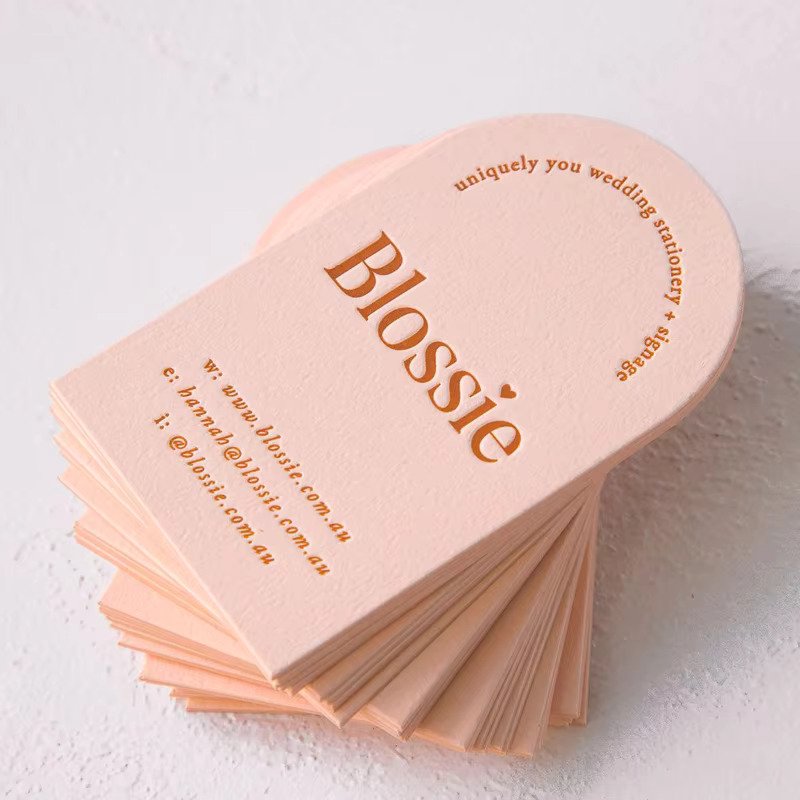
Business Cards
- Premium printing services offering sleek, durable, and customizable business cards.
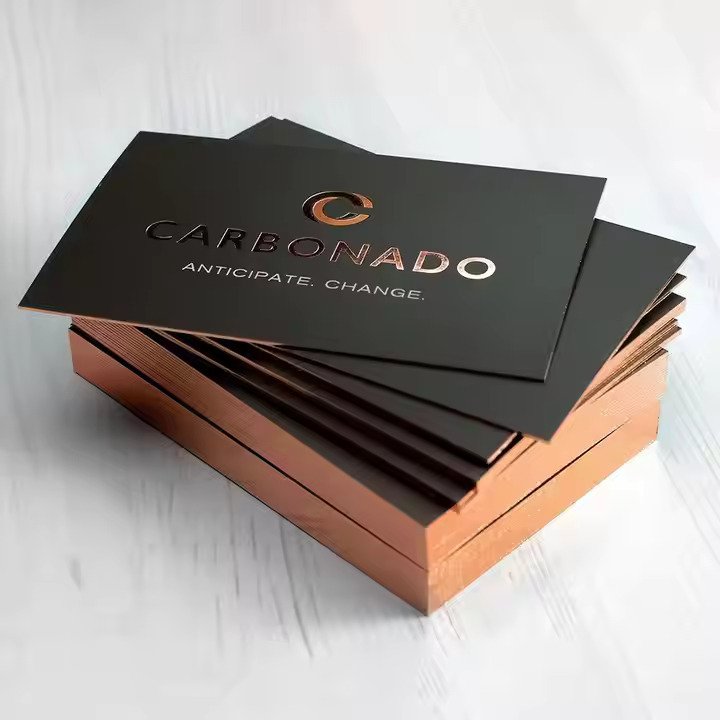
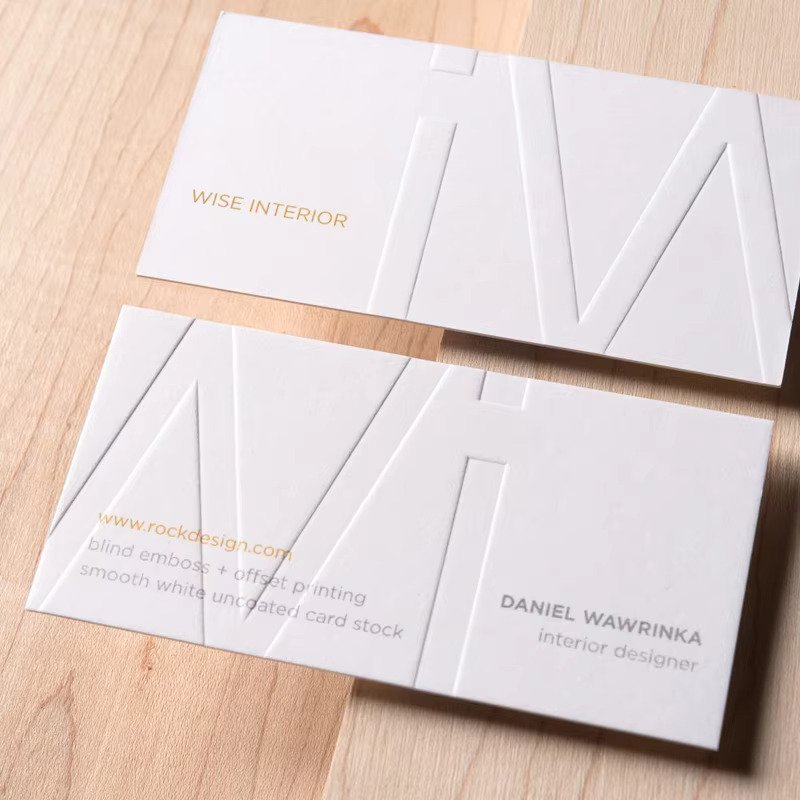
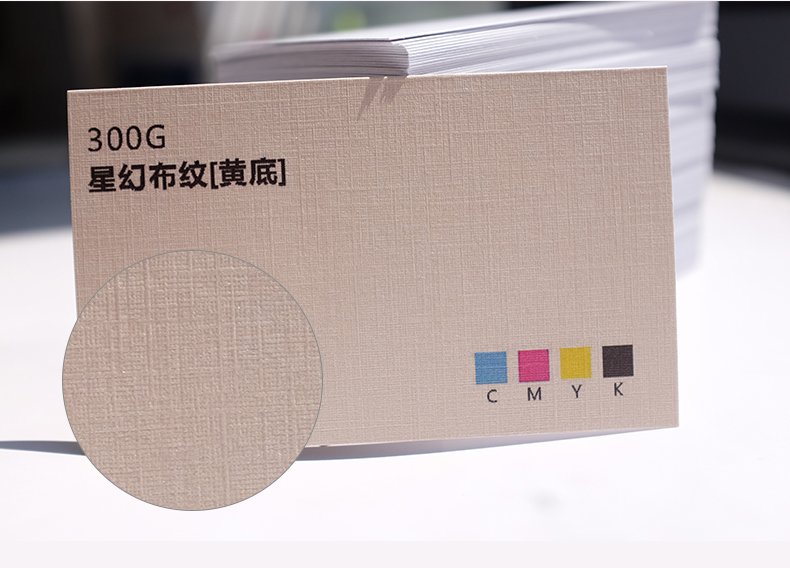
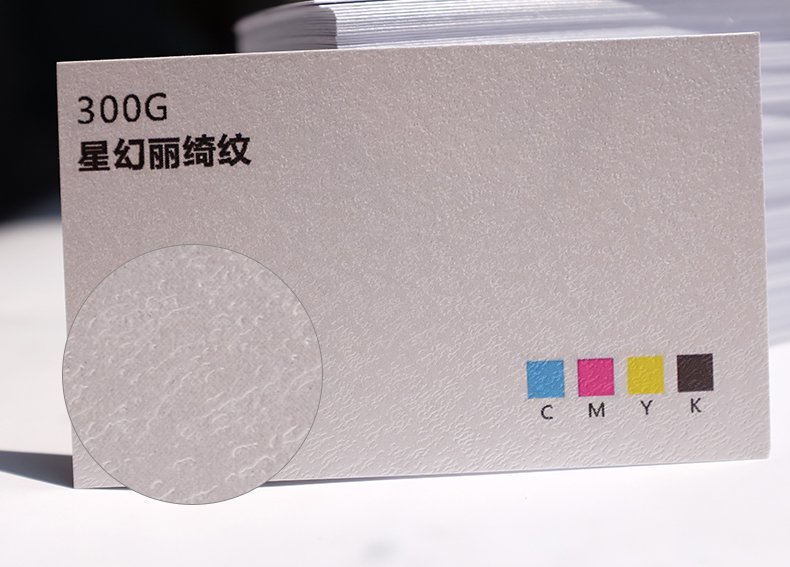
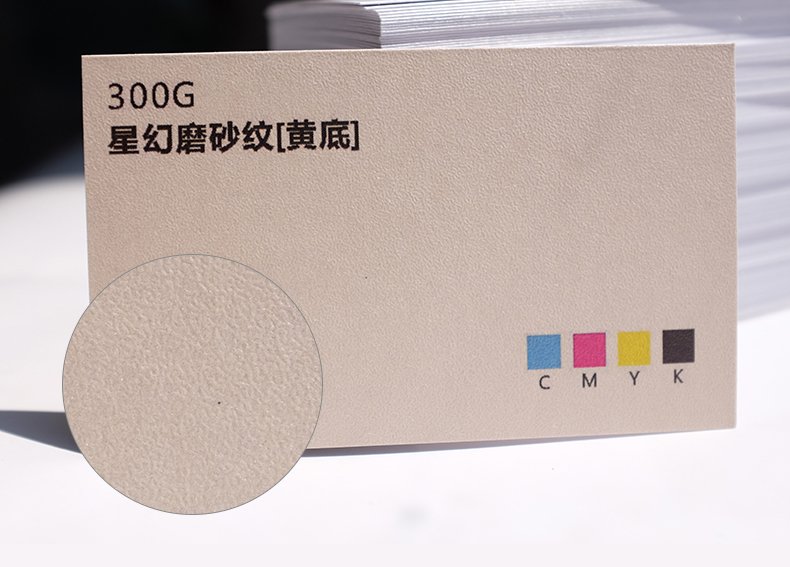
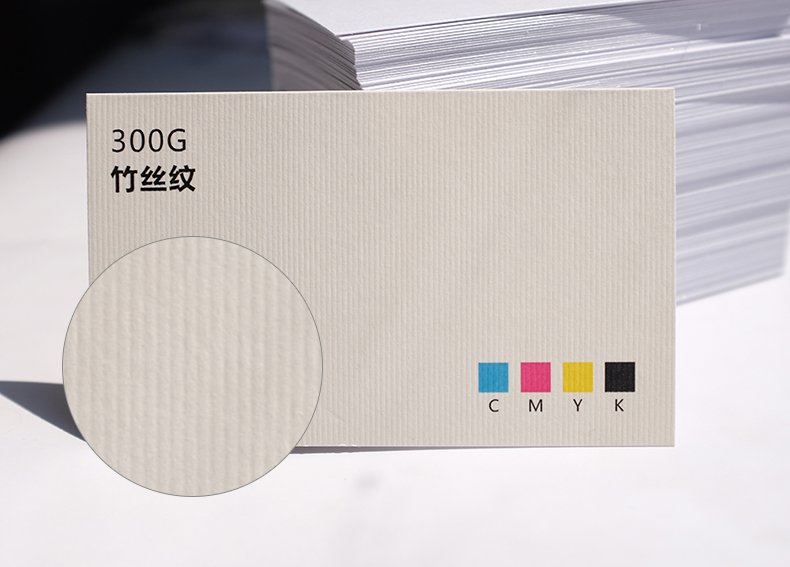
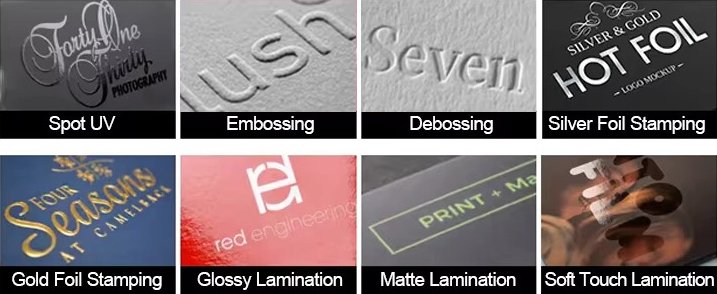
- Choose from a variety of finishes (matte, gloss, foil, embossed, debossed, die cutting, spot UV) and fast turnaround times.
- Perfect for professionals, entrepreneurs, and businesses looking to stand out.
Customization options
- Customized logo
- Customized packaging
- Graphic customization
Description
FAQs
What is bleed?
Bleed is an area of print outside the document that must be added to your artwork before it’s sent off for print. By adding the all-important bleed (a minimum of 3mm on all edges), there’ll be no risk of white space left on your document and it’ll be trimmed correctly without cutting into any design. Some products require a different amount of bleed, so be sure to check our downloadable templates to find out the correct amount.
What is safe area?
The safe area is the space inside where your print will be trimmed. Keeping any important parts of your design away from this area will make sure that they aren’t accidentally trimmed off due to the natural movement while your print gets finished.
What’s the difference between RGB and CMYK?
RGB is the colour gamut used to display images on a computer screen, and stands for Red, Green and Blue. CMYK is the colour gamut used for conventional printing, and stands for Cyan, Magenta, Yellow and Black, please set up your artwork in CMYK.
Why do I need to embed fonts?
If you don’t embed fonts and your document is opened on another computer system that doesn’t have access to the original fonts, different fonts will be substituted instead. This could really affect the look of your finished print. Embedding fonts into your original design will stop them from changing.
How to print Business Cards?
Business Card printing can be made a lot easier by using a professional printing service. Just send your design to our team, choose a paper type, select finishing touches like rounded corners, foil or UV coating, preview and approve the digital proof, place your order, and any questions or custom requests, our team are always happy to help.
What is the standard Business Card size?
The standard size for Business Cards is 85mm x 55mm. However, if you’re looking for something unique, we also offer alternative sizes including square, long, and mini options to help your brand stand out.
What shapes are available for Business Cards?
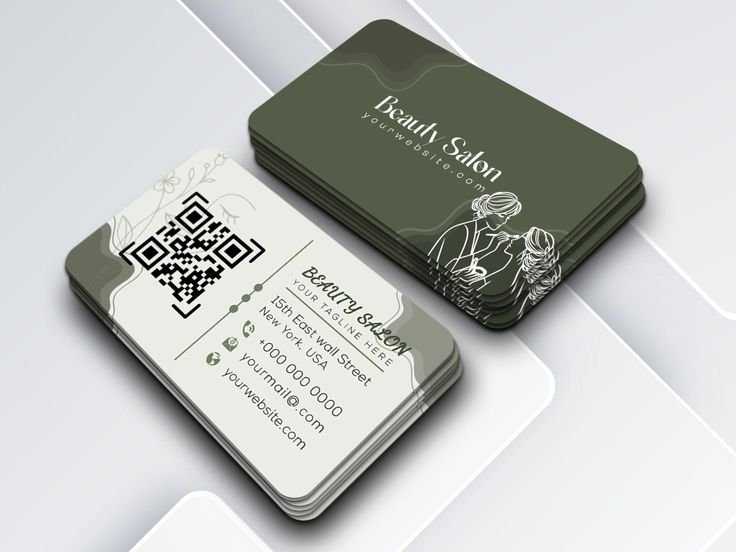
We believe your Business Card should reflect your unique style, which is why we offer a wide array of creative shapes to choose from. Whether you’re drawn to the elegance of wavy edges, the sophistication of an arch shape, or the modern twist of round corners on a traditional rectangle card, we’ve got something for everyone.
What resolution is best for Business Card artwork?
To ensure the highest quality print, we recommend uploading your Business Card artwork at a resolution of 300dpi (dots per inch). This ensures that all text and images appear crisp and clear when printed.
What material is best to print Business Cards?
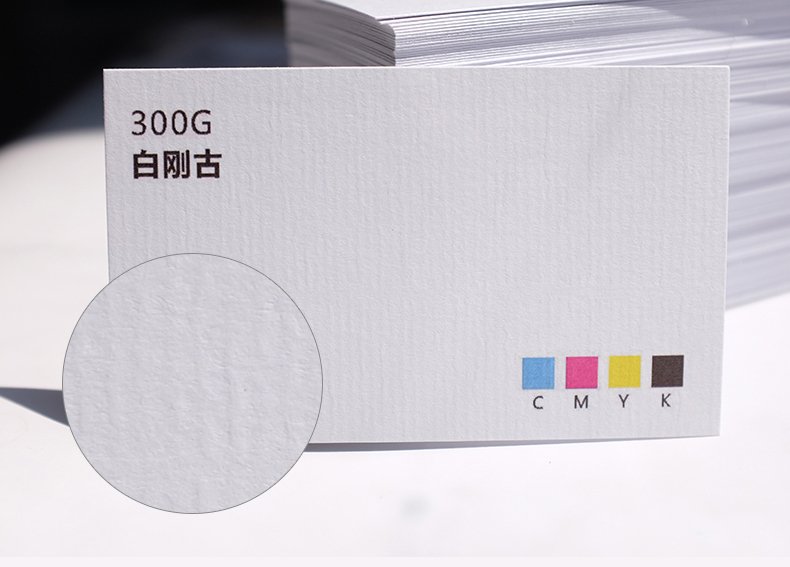
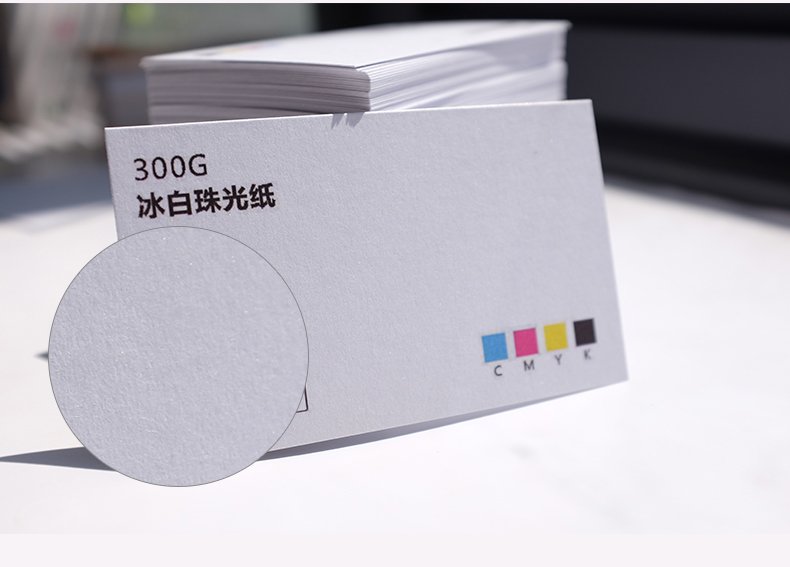
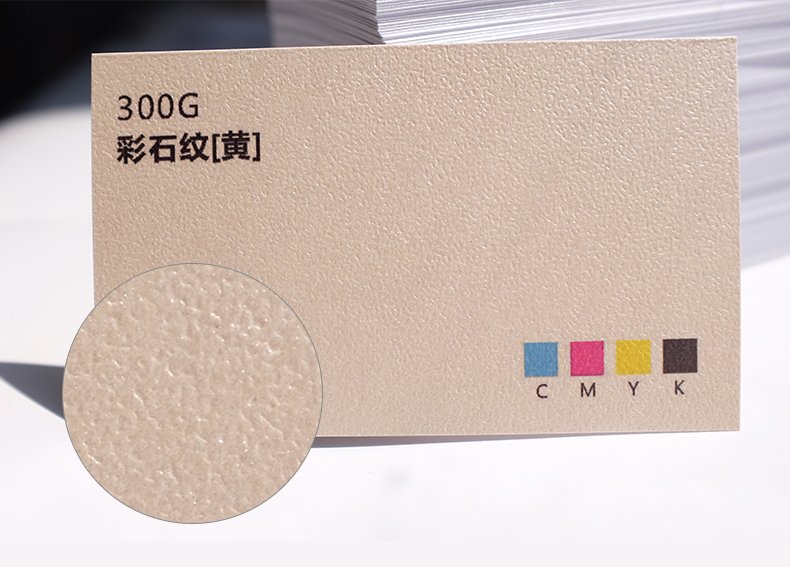
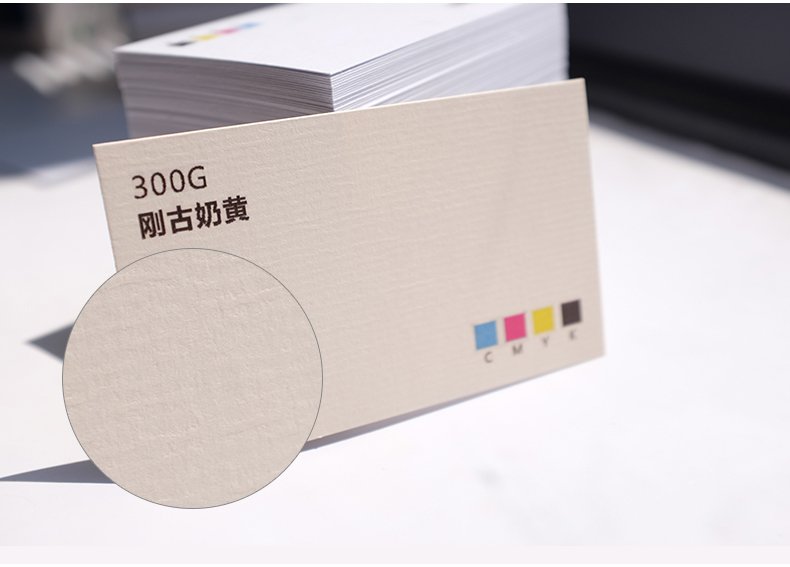
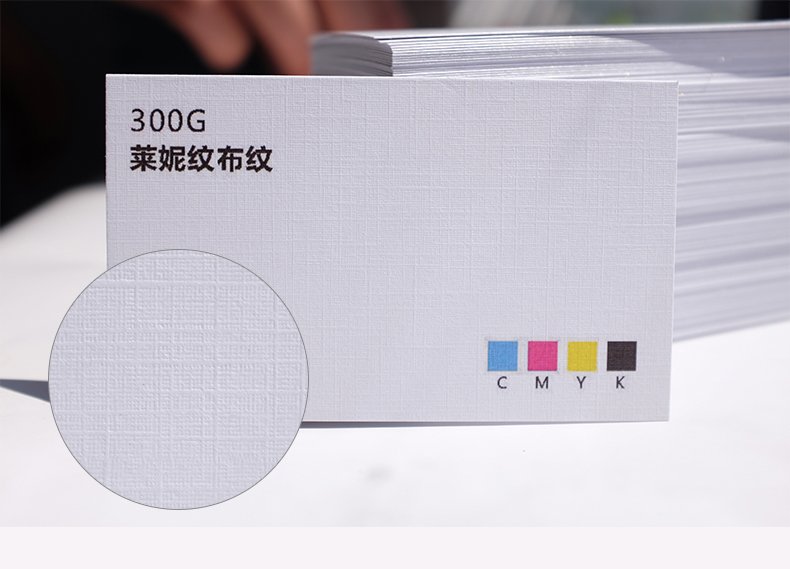
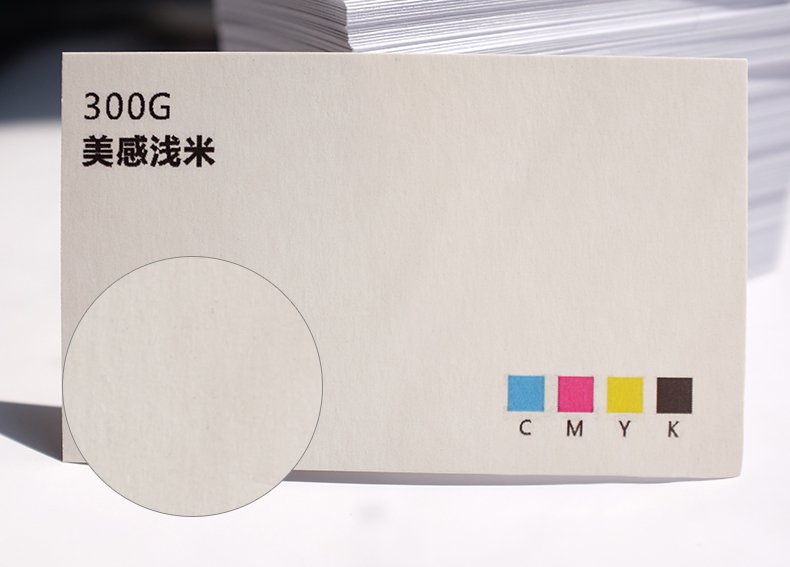
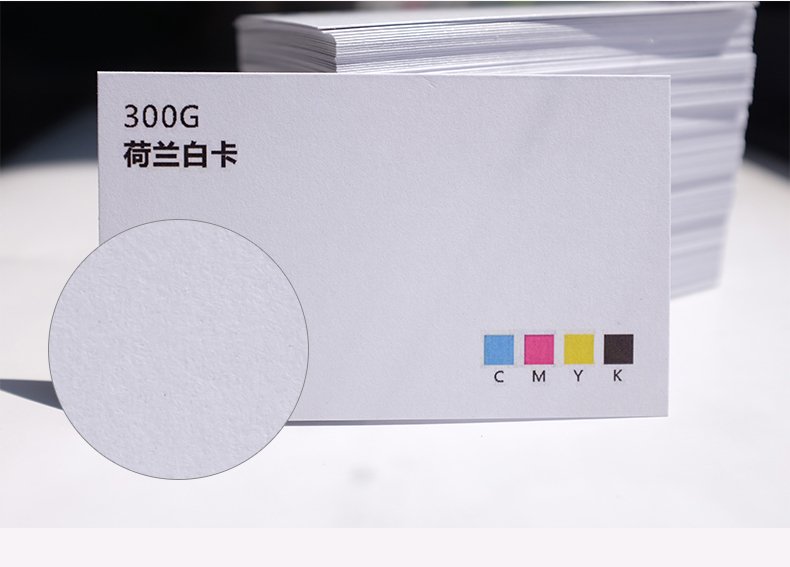
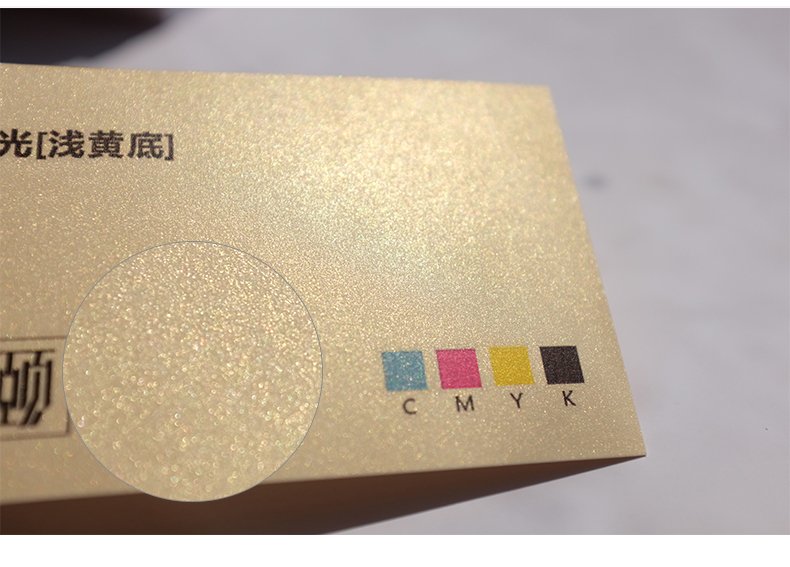
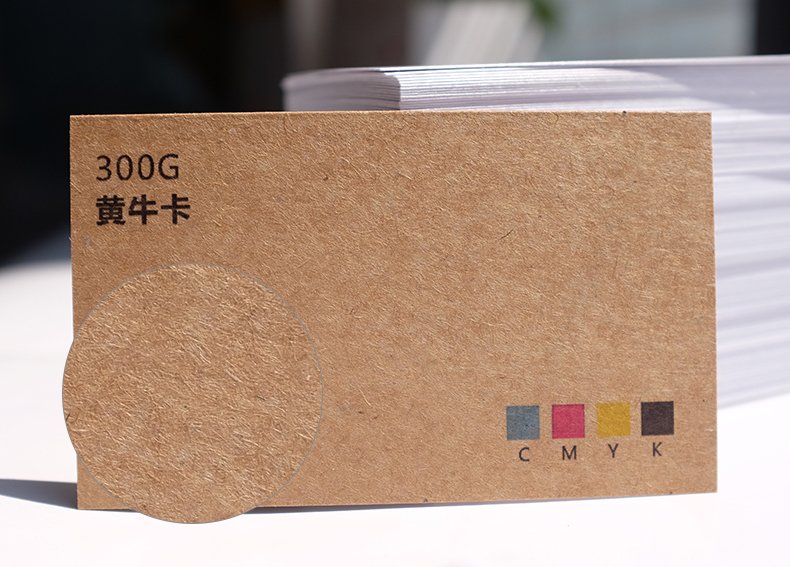
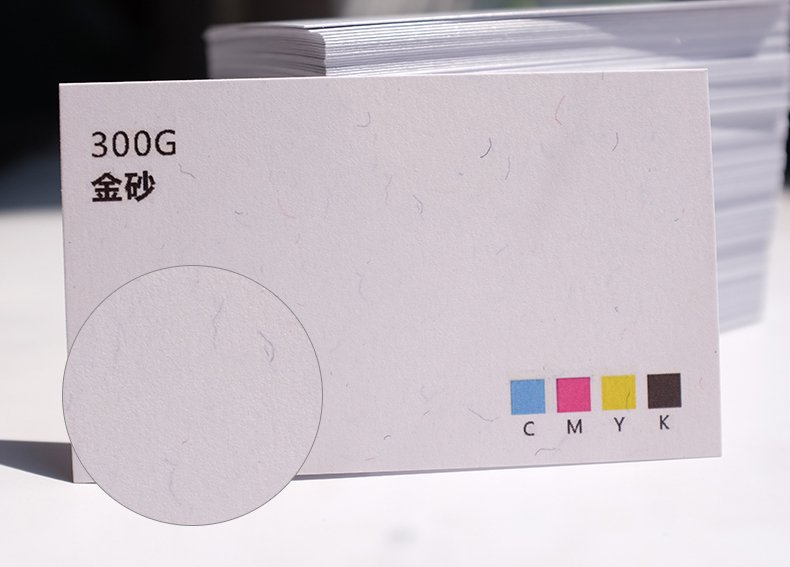
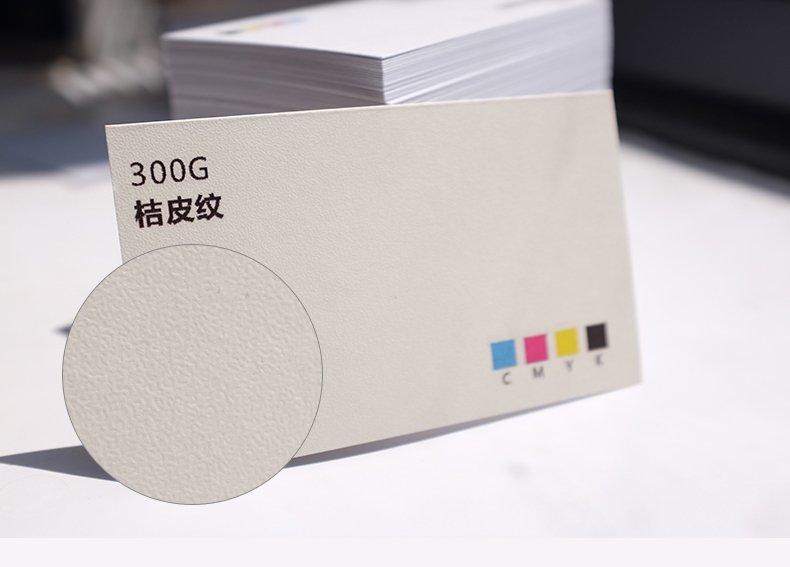
Choosing the right material for your Business Cards depends on the impression you want to leave. Here are some popular options:
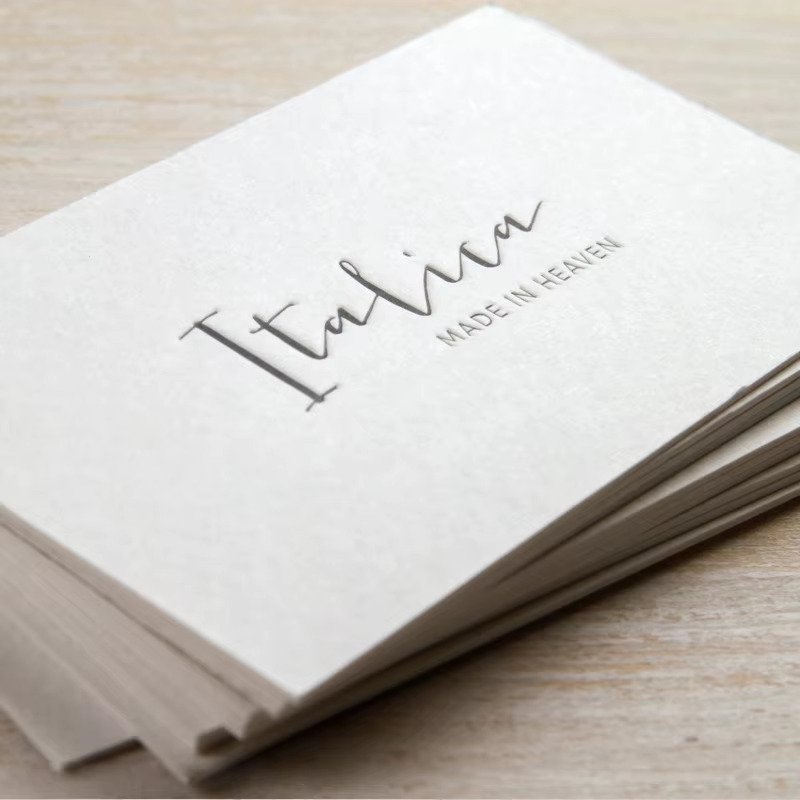
• Uncoated: Offers a flat, modern finish with no surface coating, providing a soft, touchable texture that’s perfect for writing on.
• Tearproof: Ideal for durable, long-lasting cards. This 100% waterproof and tearproof stock is great for Business Cards that need to withstand wear and tear.